



How does the BI Connector work?
Select your data visualisation tool
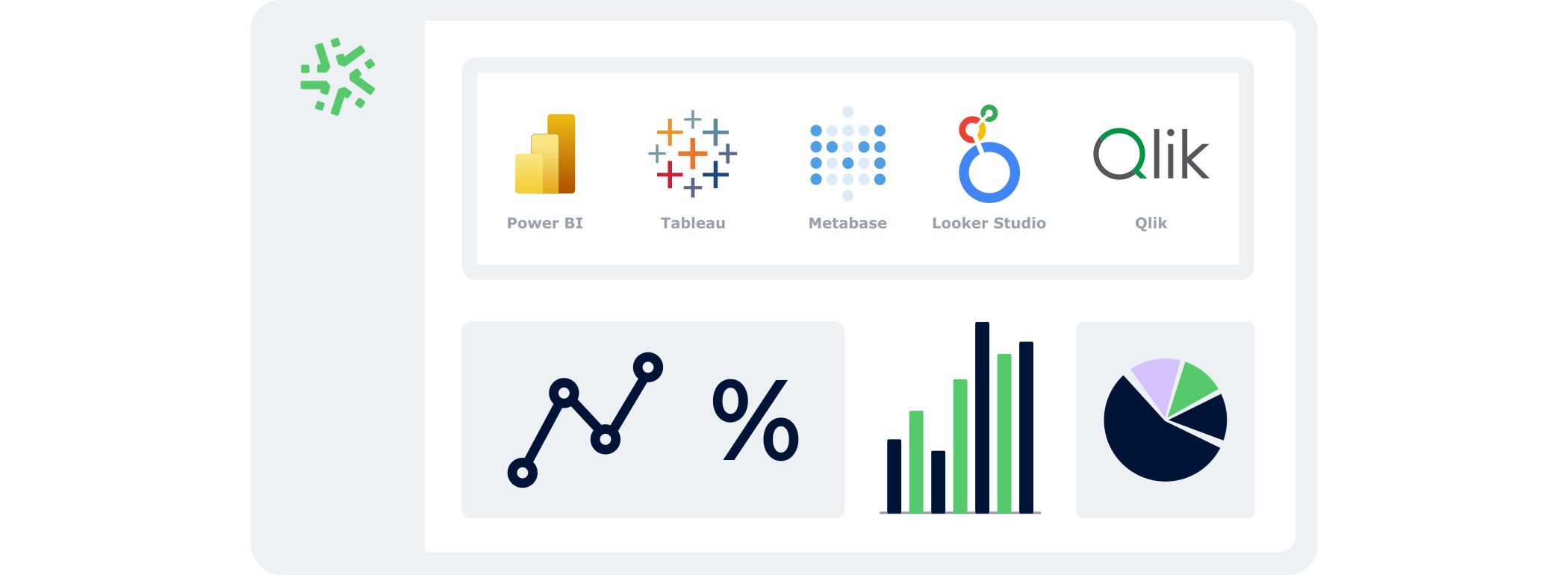
Power BI, Tableau, Looker Studio, Metabase, Qlik… Simply select the tool you already use. Our BI Connector is compatible with the main platforms on the market.
Select the data you want to analyse
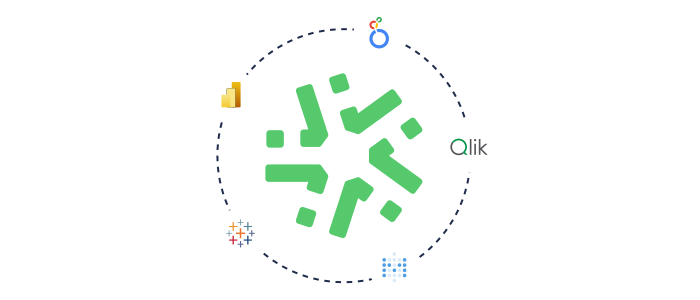
Choose the forms you want to track, then select the relevant fields. Your dashboards will then update automatically as field entries come in—no CSV export or manual handling required.
Sectors
Adapt your reporting to your business 🚀
In the field, every data point matters. With our BI Connector, your Kizeo Forms feed your dashboards automatically. Analyse your activity in real time, without exports or manual tasks, so your teams gain in responsiveness and your decisions gain in precision.
Intervention reports

Analyse resolution rates, average response times and issue types in real time. The BI Connector centralises all your interventions into one clear dashboard to optimise the performance of your field teams.
Home inspection

Analyse non-conformities, processing times and recurring issues. Your data becomes a powerful tool to improve quality, reduce anomalies and better prioritise actions.
Weekly timesheets

Visualise hours by site, by team or by client, along with variances from planned hours. Your BI tool helps you understand actual workload, anticipate needs and improve planning.
Safety reports

Visualise observed risks, corrective actions initiated and follow-up commitments. The Business Intelligence Connector helps strengthen your safety culture by immediately identifying sensitive areas.
Site inspections

Track progress, incidents, blockers and risk areas. Thanks to automated reporting, you manage all your sites with a consolidated, always up-to-date view.
Leave requests

Anticipate absences, visualise sensitive periods and secure your resources. The BI Connector gives you an instant view of team availability to avoid understaffing and secure your HR planning.
Advantages
Turn your field data into immediate decisions
Our BI Connector transforms your Kizeo Forms data into an instant decision-making asset. Gain visibility, responsiveness and precision—without any additional operational workload.

Make decisions with reliable data
Access up-to-date indicators without extraction or processing. Your dashboards reflect field reality at any given moment—helping you decide faster and more accurately.

Free your teams from low-value tasks
No more hours wasted manipulating CSV files, correcting errors or re-running exports. Your reporting runs by itself, letting your teams focus on what truly matters.
Target the data that really counts
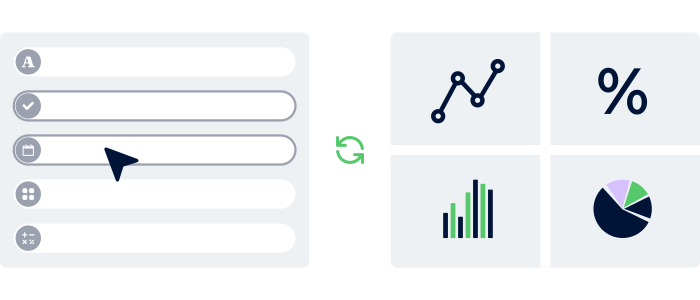
Precisely select the forms and fields you want to analyse, and get clearer, more impactful dashboards aligned with your needs.


Connect 200+ apps in one click
Discover our Multi-App Integrator. Automatically sync your Kizeo Forms data with 200+ of your everyday tools: CRM, ERP, HR software, Notion, Slack, internal platforms…
No more double entries! Every piece of information flows to the right place, at the right time, without manual intervention.
4,500+ companies trust Kizeo Forms
4,500+ companies trust Kizeo Forms







FAQ – Everything you need to know about the BI Connector
What is the Kizeo Forms BI Connector?
The Kizeo Forms BI Connector allows you to automatically sync your field data with your data visualisation tool (Power BI, Tableau, Looker Studio…).
Instead of exporting CSV files, your data is sent continuously and is immediately ready to use in your dashboards.
How does the BI Connector work?
Select your forms and the fields you want to analyse, then connect your BI tool.
Your reporting then updates automatically. Every field entry refreshes your indicators in real time, with no extra handling.
Which tools are compatible with the BI Connector?
Our Business Intelligence Connector works with the main data visualisation tools:
- Power BI
- Tableau
- Looker Studio
- Qlik
- Metabase
Does my data update automatically?
Yes. Every new entry in Kizeo Forms updates your dashboards. No exporting, moving or consolidating, reporting is 100% automated.
Is the BI Connector secure?
Yes. You have a fully dedicated database for your account, with a unique URL secured by login credentials.
You choose who can access it and which data is exposed. Security is built into the system.
Can I select only certain forms or fields?
Absolutely. You can precisely select the data you want to analyse.
This lets you publish only what matters and obtain clearer, more relevant dashboards.
Does the BI Connector replace CSV exports?
In most cases, yes. The goal is to eliminate manual handling, which often leads to errors and wasted time.
However, you can still export to CSV if needed occasionally.
Can I test the BI Connector?
Yes! You get a 15-day free trial of all our features.
No commitment, no credit card. Create your account, build your first custom form and test the connection with your BI tool to validate the smoothness and reliability of automated reporting.
Discover all our other features 🚀

Multi-app integration

AI assistant

Automated reports

API

Task automation

AI form builder

AI-assisted data entry

Custom forms

Offline data collection
Connect Kizeo Forms to 200+ apps without knowing how to code
Link Kizeo Forms to 200+ applications in just a few clicks and let your data flow automatically:
-
Automate: your actions, updates and notifications trigger themselves.
-
Connect: your data moves freely between Kizeo Forms and 200+ tools.
-
Accelerate: your processes gain speed and efficiency.
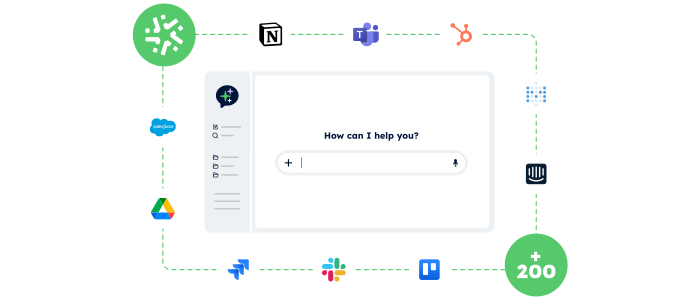
Control your data and actions through an AI Chat
With the AI Assistant, no more switching endlessly between tools: simply chat in an AI interface that accesses your data and performs actions for you.
- Centralised:
One chat to access your Kizeo Forms data and all your business tools. - Actionable:
The AI Assistant doesn’t just answer — it executes the actions you request (updates, creation, sending, exporting…). - Fast:
Fewer clicks, fewer steps, and tasks completed in just seconds.
Your reports in a jiffy
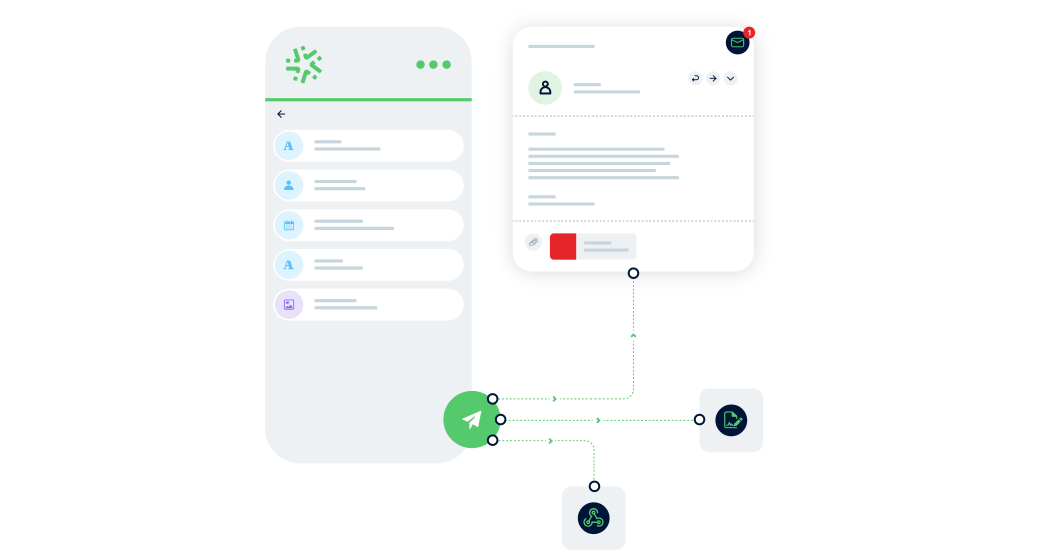
Automatically transform every submitted form into a clear, complete report — with no re-entry or manual formatting required:
-
Save time: one submitted form = one generated report in PDF, Word, or Excel.
-
Advanced customization: add your logo, headers, and layouts to match your visual identity.
-
Make your data shine: generate precise, impactful reports and share them instantly with the right people.

Connect Kizeo Forms to Your Tools in One Click
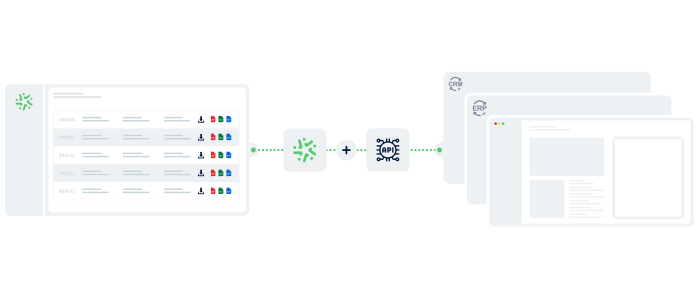
Kizeo Forms integrates seamlessly with your existing software to streamline your processes:
- Multiple integrations: connect with Dropbox, DocuSign, Trackdéchets, Zapier, Make and many more!
- Time savings: automate your data flows, eliminate manual re-entries, and focus on what truly matters.
- Ease of use: link your tools in just a few clicks thanks to our REST API.
Generate forms in 15 seconds with AI
Designing a professional form has never been easier: describe your need and our AI instantly creates
a complete, ready-to-use form in 15 seconds :
-
Fast : your forms are generated in seconds.
-
Versatile : convert your PDFs into digital forms and translate them.
-
Flexible : customise every detail for a form 100% tailored to your business.
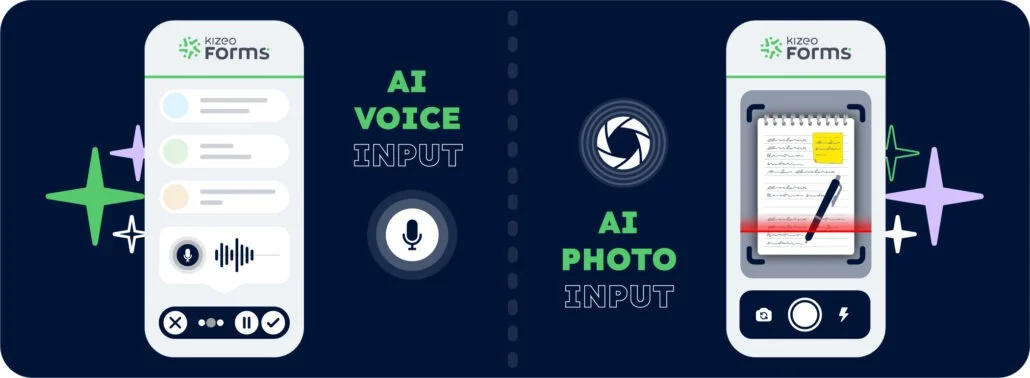
Speak. Take a photo. AI fills it in.
With AI-assisted data entry , simply speak or take a photo and your forms are completed automatically.
-
Fast : dramatically reduce the time spent entering data for each form.
-
Intelligent : AI understands accents, foreign languages, and reads your documents.
-
Reliable : accurate data, with no errors and no re-entry.
Create forms that adapt to your business
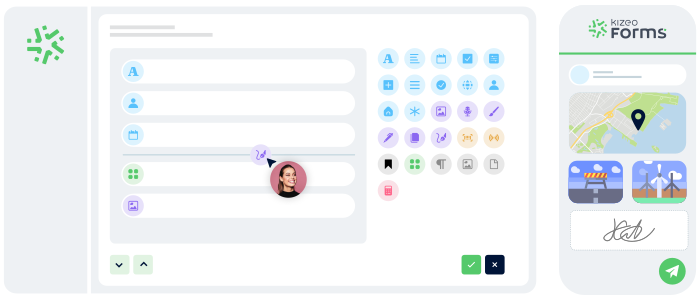
Transform your paper forms into 100% personalized digital versions:
- Add 25+ fields: photos, signatures, geolocation, tables, automated calculations, and more.
- Customize every element: business rules, required fields, display conditions, and more.
- Speed up your creation with AI and a library of 50+ ready-to-use templates.
Work anywhere, even without a network
Collect data offline, even in areas without internet:
- No interruptions : entry continues seamlessly, even without a connection.
- Protected data : everything is securely saved locally.
- Auto-sync : your information uploads automatically as soon as the device reconnects.