



How does it work?
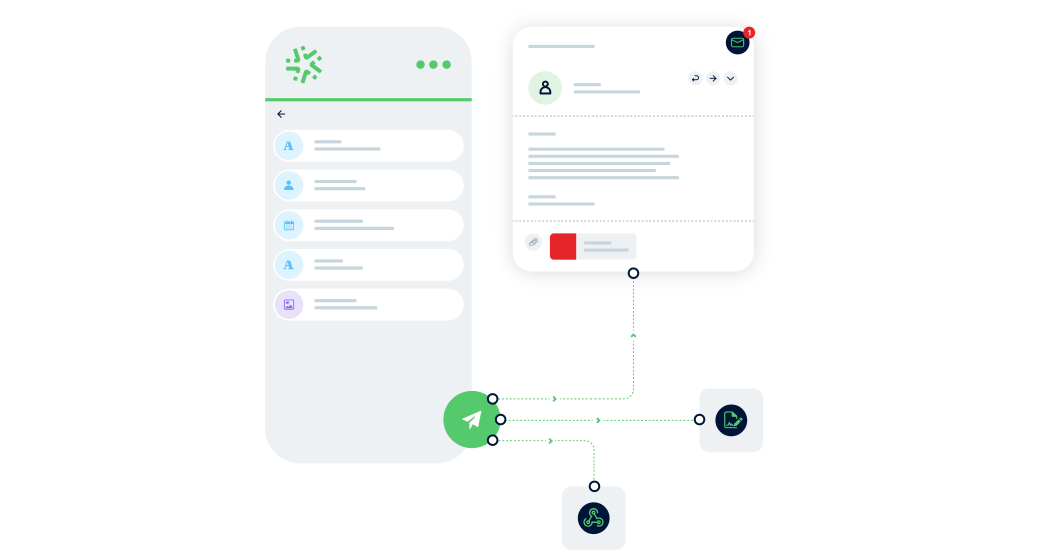
Choose the key actions you want to automate
Kizeo handles emails, reports, approvals or updates for you. You simply choose what to automate and when it should be triggered.
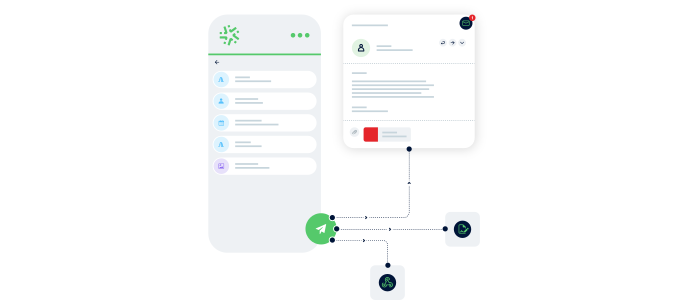
Connect your business tools
Easily connect Kizeo Forms to your applications: CRM, ERP, messaging, storage. Use our native multi-app integrator Khub, or standard integrations such as Make, Zapier, Dropbox, API, to automate updates from the field to your internal tools.
Your teams receive the right information at the right time
Forms can be pre-filled, sent for approval or exported as PDFs as soon as an action occurs. Everyone receives exactly what they need instantly.
Sectors
Automate your tasks, whatever your sector 🚀
Task automation adapts to your business needs: automatic emails, approval transfers, instant reports, pre-filled forms… Discover how Kizeo Forms automates your operations according to your processes.
Automatic Emails

Automate confirmations, notifications and updates based on specific actions such as data submission.
Customise your emails and automatically send them to the right people with integrated reports.
Automatic Approvals

Optimise your approval workflows thanks to Automatic Transfer: holiday requests, remote working, HR approvals, QHSE or purchasing processes.
Each form is automatically sent to the right person based on your rules, and both requests and responses flow instantly for a fully autonomous workflow.
Automatic PDF, Word & Excel Reports

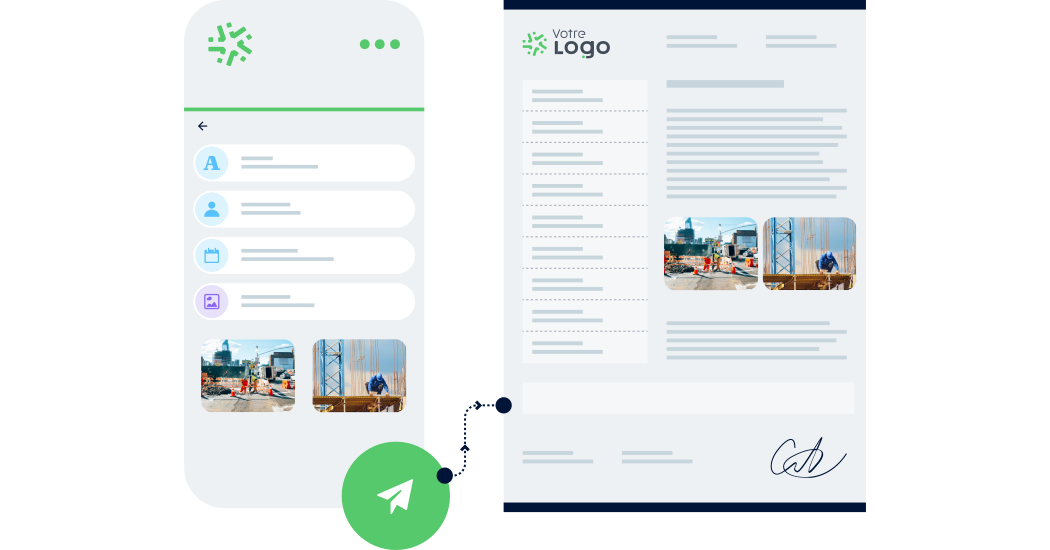
Generate PDF, Word or Excel reports as soon as a form is submitted.
Your documents are automatically created with photos, signatures, geolocation, tables or diagrams.
Available instantly, they can be easily shared with teams, clients or suppliers.
Webhooks

With Webhooks, your forms integrate automatically into your internal systems: CRM, ERP, Google Sheets, etc.
When a form is submitted, data is transmitted in real time, triggering notifications, updates and instant database synchronisation for smoother processes.
Pre-filled Forms

Feed your forms via CSV/XLSX or API to send pre-filled forms to your teams.
They only need to complete the essentials.
Dropbox

Automatically store your data, photos and documents in Dropbox for centralised storage.
Your files are organised, categorised and secured thanks to automatic export of attachments and media.
Advantages
Boost your productivity by automating time-consuming tasks
Task automation removes repetitive steps and streamlines your processes. Your teams work faster, your data becomes more reliable, and your entire organisation runs more smoothly.

Save valuable time
Emails, transfers, reports and updates run automatically, allowing your teams to focus on priorities.

Improve data reliability
Your data synchronises automatically with your internal tools, reducing human error and ensuring perfect traceability.

Reduce errors
Let automation protect your data. Automated tasks ensure accurate, consistent and error-free information.

Automation made accessible to everyone
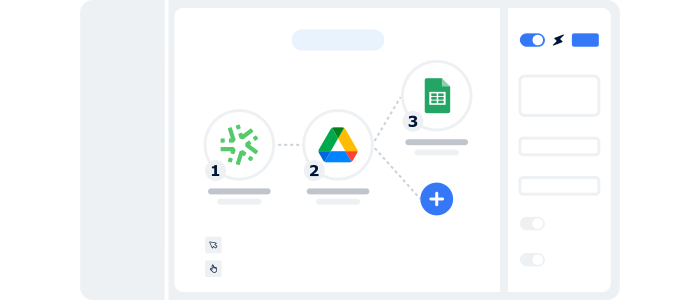
Connect Kizeo Forms to 200+ applications using our native multi-app integrator!
Fully integrated into Kizeo Forms, it allows you to create automated workflows with all your internal tools in just minutes: CRM, ERP, Google Sheets, Teams, messaging, storage…
Each time a form is submitted, actions are triggered automatically — no code, no external tools, no complexity.
4,500+ companies trust Kizeo Forms
4,500+ companies trust Kizeo Forms







Frequently Asked Questions about task automation with Kizeo Forms
What is task automation in Kizeo Forms?
Task automation triggers actions automatically after a form is submitted or modified: email sending, report generation, CRM updates, ticket creation, form transfers, file storage…
You save time, reduce errors and streamline your processes effortlessly.
Does task automation require technical skills?
Not at all. Everything is configured using simple menus: triggers, conditions and actions.
You can build a complete workflow in minutes — no development required.
Is Kizeo Forms suitable for complex processes or large data volumes?
Yes. Kizeo Forms is designed to handle complex processes and large volumes of data.
It supports custom form creation, automated data management and integration with other enterprise systems — ideal for simplifying complex operational workflows.
How do I configure automated email sending with Kizeo Forms?
Automated emails are set up from the Web Interface.
You define the rules that trigger emails based on specific events, such as form submission.
Customise your email content, recipients and attach reports or specific form data.
This ensures fast, efficient communication with all stakeholders.
What types of files can be saved automatically in Dropbox through Kizeo Forms?
You can save a variety of data collected via forms, including PDFs, media, reports and attachments — ensuring efficient, secure organisation of your files.
Is form automation secure?
Yes. All data is secure, stored in France and processed according to GDPR standards.
You control all permissions, transmissions and the traceability of each automated action.
Can I test automation for free?
Yes. You can test all automation features during the 15-day free trial (no commitment, no credit card).
Discover all our other features 🚀

Multi-app integration

BI connector

AI assistant

Automated reports

API

AI form builder

AI-assisted data entry

Custom forms

Offline data collection
Connect Kizeo Forms to 200+ apps without knowing how to code
Link Kizeo Forms to 200+ applications in just a few clicks and let your data flow automatically:
-
Automate: your actions, updates and notifications trigger themselves.
-
Connect: your data moves freely between Kizeo Forms and 200+ tools.
-
Accelerate: your processes gain speed and efficiency.

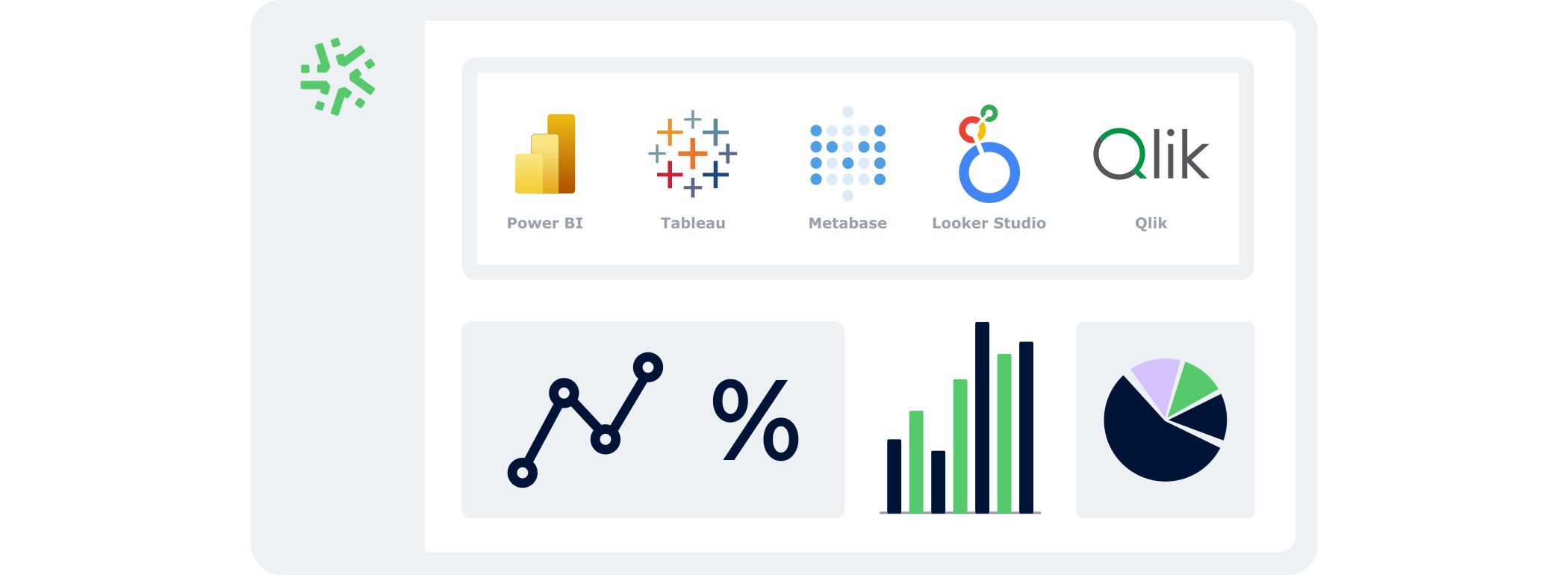
Manage your data in real time
With the BI Connector, your field data automatically feeds your dashboards:
- Automatic:
your KPIs update continuously, with no CSV files or manual handling. - Accurate:
you analyse reliable, structured data that is always aligned with field reality. - Flexible:
connect the BI tool of your choice and select only the data that matters.
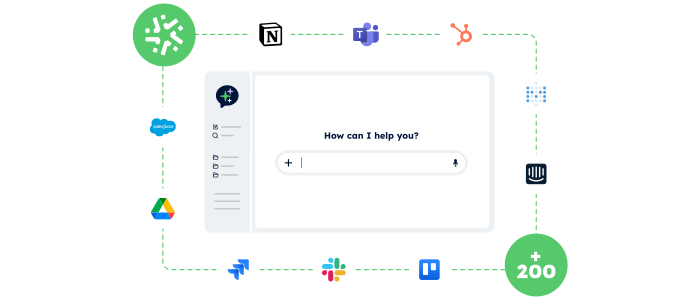
Control your data and actions through an AI Chat
With the AI Assistant, no more switching endlessly between tools: simply chat in an AI interface that accesses your data and performs actions for you.
- Centralised:
One chat to access your Kizeo Forms data and all your business tools. - Actionable:
The AI Assistant doesn’t just answer — it executes the actions you request (updates, creation, sending, exporting…). - Fast:
Fewer clicks, fewer steps, and tasks completed in just seconds.
Your reports in a jiffy
Automatically transform every submitted form into a clear, complete report — with no re-entry or manual formatting required:
-
Save time: one submitted form = one generated report in PDF, Word, or Excel.
-
Advanced customization: add your logo, headers, and layouts to match your visual identity.
-
Make your data shine: generate precise, impactful reports and share them instantly with the right people.

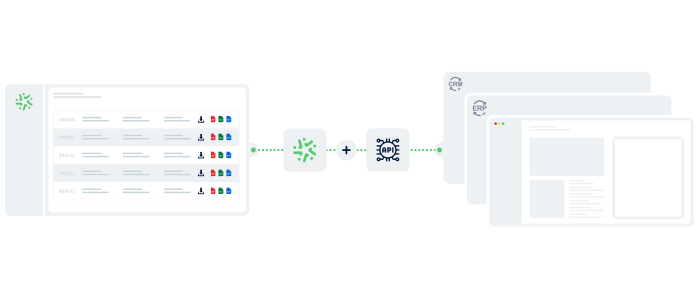
Connect Kizeo Forms to Your Tools in One Click
Kizeo Forms integrates seamlessly with your existing software to streamline your processes:
- Multiple integrations: connect with Dropbox, DocuSign, Trackdéchets, Zapier, Make and many more!
- Time savings: automate your data flows, eliminate manual re-entries, and focus on what truly matters.
- Ease of use: link your tools in just a few clicks thanks to our REST API.
Generate forms in 15 seconds with AI
Designing a professional form has never been easier: describe your need and our AI instantly creates
a complete, ready-to-use form in 15 seconds :
-
Fast : your forms are generated in seconds.
-
Versatile : convert your PDFs into digital forms and translate them.
-
Flexible : customise every detail for a form 100% tailored to your business.

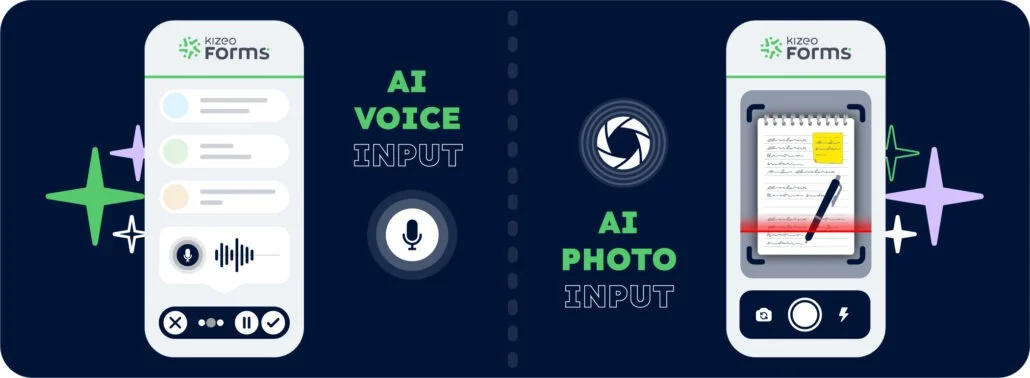
Speak. Take a photo. AI fills it in.
With AI-assisted data entry , simply speak or take a photo and your forms are completed automatically.
-
Fast : dramatically reduce the time spent entering data for each form.
-
Intelligent : AI understands accents, foreign languages, and reads your documents.
-
Reliable : accurate data, with no errors and no re-entry.
Create forms that adapt to your business
Transform your paper forms into 100% personalized digital versions:
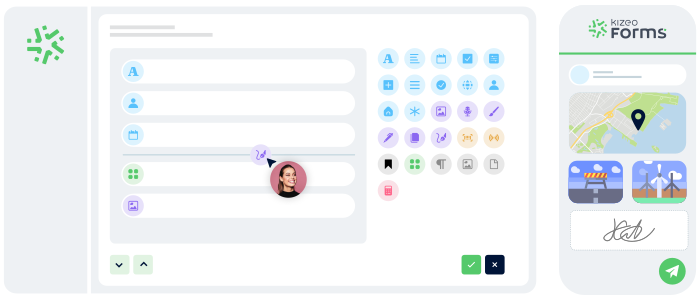
- Add 25+ fields: photos, signatures, geolocation, tables, automated calculations, and more.
- Customize every element: business rules, required fields, display conditions, and more.
- Speed up your creation with AI and a library of 50+ ready-to-use templates.
Work anywhere, even without a network
Collect data offline, even in areas without internet:
- No interruptions : entry continues seamlessly, even without a connection.
- Protected data : everything is securely saved locally.
- Auto-sync : your information uploads automatically as soon as the device reconnects.