


How does AI photo input work?
Take a photo, and the AI takes care of the rest
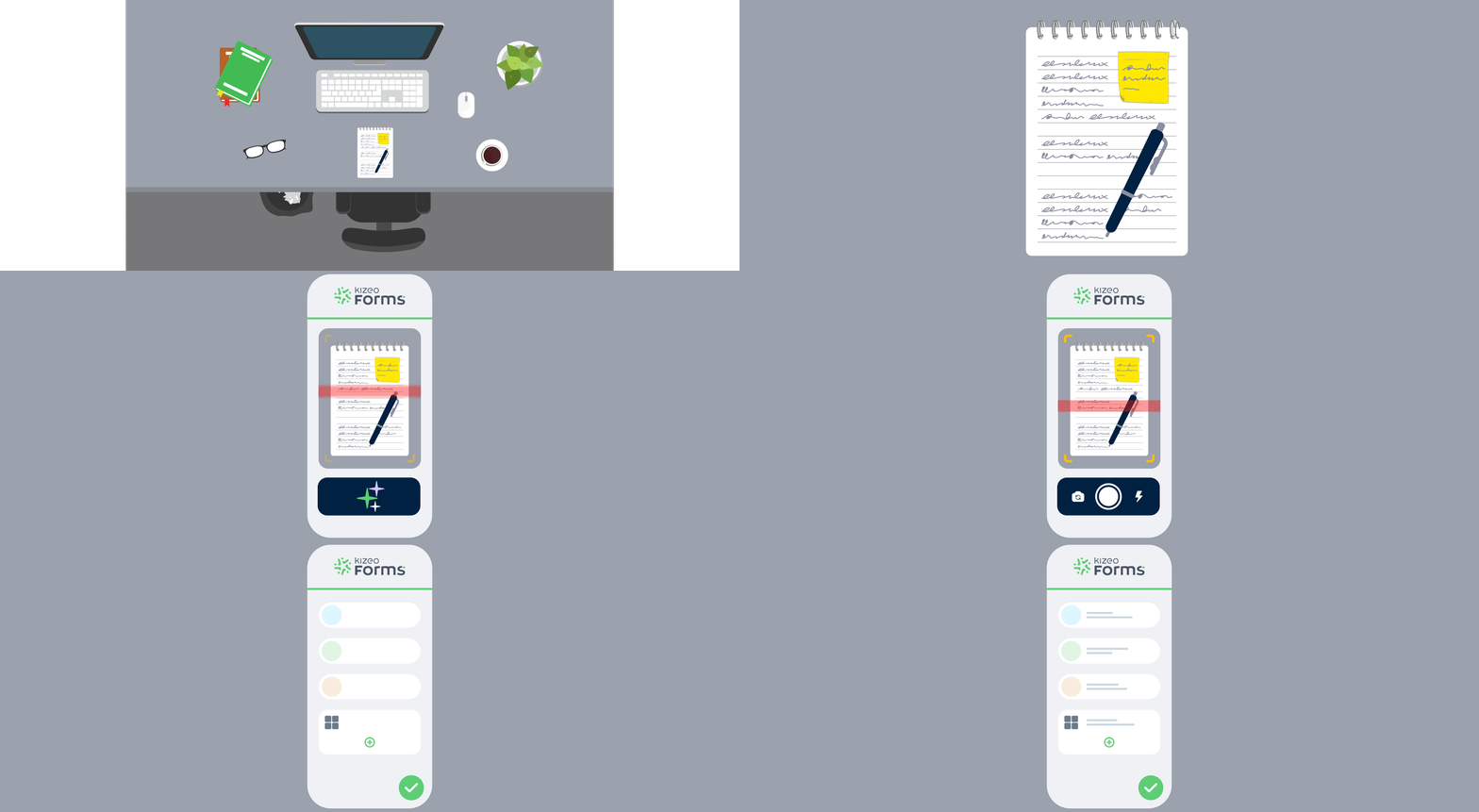
Enable AI photo capture, then take a picture of a document, a meter, a label, handwritten notes, etc.
The artificial intelligence analyses the image, recognises the text, and automatically fills in the fields of your form.

Validate and instantly get a ready-to-use report
The information extracted from your photo is automatically placed in the right fields.
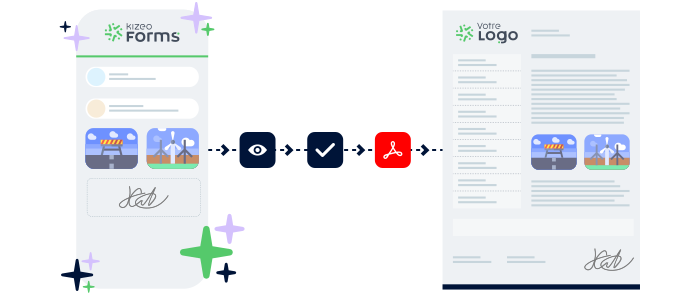
All you need to do is check and validate, then send your data to generate a complete report.
Sectors
Error-free data from a simple photo
In the field, just take a photo — AI does the rest.
Our ultra-accurate text recognition analyses your paper documents, plates, handwritten notes, labels, or meters, and automatically transforms them into structured data.
Handwritten notes
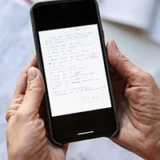
Take a photo of a notes page, a sketch, a post-it, or an action list: our AI-powered text recognition automatically fills your form from the image.
Safety briefing

Photograph your handwritten notes, a whiteboard, or a QHSE sheet: the AI automatically extracts the observed risks, preventive actions, participants, and the relevant site.
No more re-entering information — everything is structured directly in your form.
Meter readings

Capture an electricity, water, gas, or fibre meter — our AI reads the numbers, detects the references, and fills in the corresponding fields of your form in just a few seconds.
Leave request

Photograph a paper form or an attendance sheet. The AI retrieves the period, reason, and key information, all ready for validation.
Service report

Take a photo of a nameplate, a serial number, or a technical sheet. The AI identifies the relevant information and automatically inserts it into the correct fields.
Expense report

Take a photo of a receipt: the AI instantly extracts the amount, date, VAT, and automatically attaches the image to the form, ready for validation.
Advantages
Get the most out of your photos with OCR technology
AI photo capture transforms any picture into structured, reliable data.
No more typing, a single photo is all it takes to complete your forms in just a few seconds.

Faster data entry
Avoid manual entry! With a simple photo of a document, meter, or handwritten note, the AI-powered OCR completes your form in just a few seconds.

Improve accuracy
Our ultra-accurate optical character recognition automatically detects numbers, text, dates, references, and serial numbers — with no transcription errors.

Make your field work easier
Less paper, fewer back-and-forths, and no re-entry.
Photograph what you see in the field — the AI transforms it into usable information in your reports.

Say it, snap it, It’s filled!
Speak to describe, take a photo to capture: AI voice input interprets your words, while AI photo input instantly extracts the visible information from your documents, meters, or handwritten notes.
Together, they turn your smartphone into a true field assistant, enabling ultra-fast, complete and error-free data entry even in the noisiest environments.
Over 4,500 companies trust Kizeo Forms
Over 4,500 companies trust Kizeo Forms







FAQ – Everything you need to know about AI photo input
What is AI photo input?
AI photo input consists of taking a photo of a document, meter, business card, or handwritten note and letting the artificial intelligence automatically extract the information using optical character recognition.
The fields in your form are filled in instantly with no retyping.
How does our AI-powered OCR technology work?
OCR (Optical Character Recognition) is a technology that allows AI to read text contained in an image.
In practice, AI-powered OCR analyses your photo, detects words, numbers, dates, serial numbers, or contact details, and then converts these visual elements into usable text.
Next, the artificial intelligence interprets, cleans, and structures this data before automatically inserting it into the correct fields of your form.
What types of documents can I photograph?
You can extract text from:
-
Meters (electricity, water, gas, fibre)
-
Business cards
-
Handwritten notes
-
Technical sheets
-
Labels or nameplates
-
Expense receipts
-
Paper forms, etc.
The AI interprets and recognises most types of content.
Does AI photo input work with handwritten text?
Yes. The artificial intelligence can read many types of handwritten text, as long as they are sufficiently legible.
It extracts the key information and inserts it into the corresponding fields.
Can I combine AI photo input and AI voice input?
Absolutely. The two features are fully complementary.
AI photo input extracts the visible information from a document using a photo.
AI voice input lets you complete, clarify, or describe anything that isn’t written, using your voice.
Together, they give you ultra-fast, complete, and error-free data entry.
Is AI photo input reliable?
Yes. Thanks to AI-powered text recognition, the extracted data is accurate, structured, and free from transcription errors.
You can review and adjust it before validating.
Does it work outdoors or in poor conditions?
Yes. As long as the photo is clear enough, the AI will analyse the content correctly.
It is designed for real field conditions: construction sites, industrial environments, changing weather, low light, and more.
Does AI photo input completely replace manual entry?
No, it complements it. You can still edit or add information manually whenever needed.
The goal is to reduce manual entry as much as possible, not to prevent you from making changes.
Can I try AI photo input for free?
Yes, you can try it free for 15 days, with access to all features, including AI photo input, so you can confirm it fully meets your field requirements.
Explore all our other features

AI voice input

AI form builder

AI assistant

Task automation

Multi-app integration

BI connector

Automated reports

API

Offline data collection

Custom forms
Speak, and it’s done!
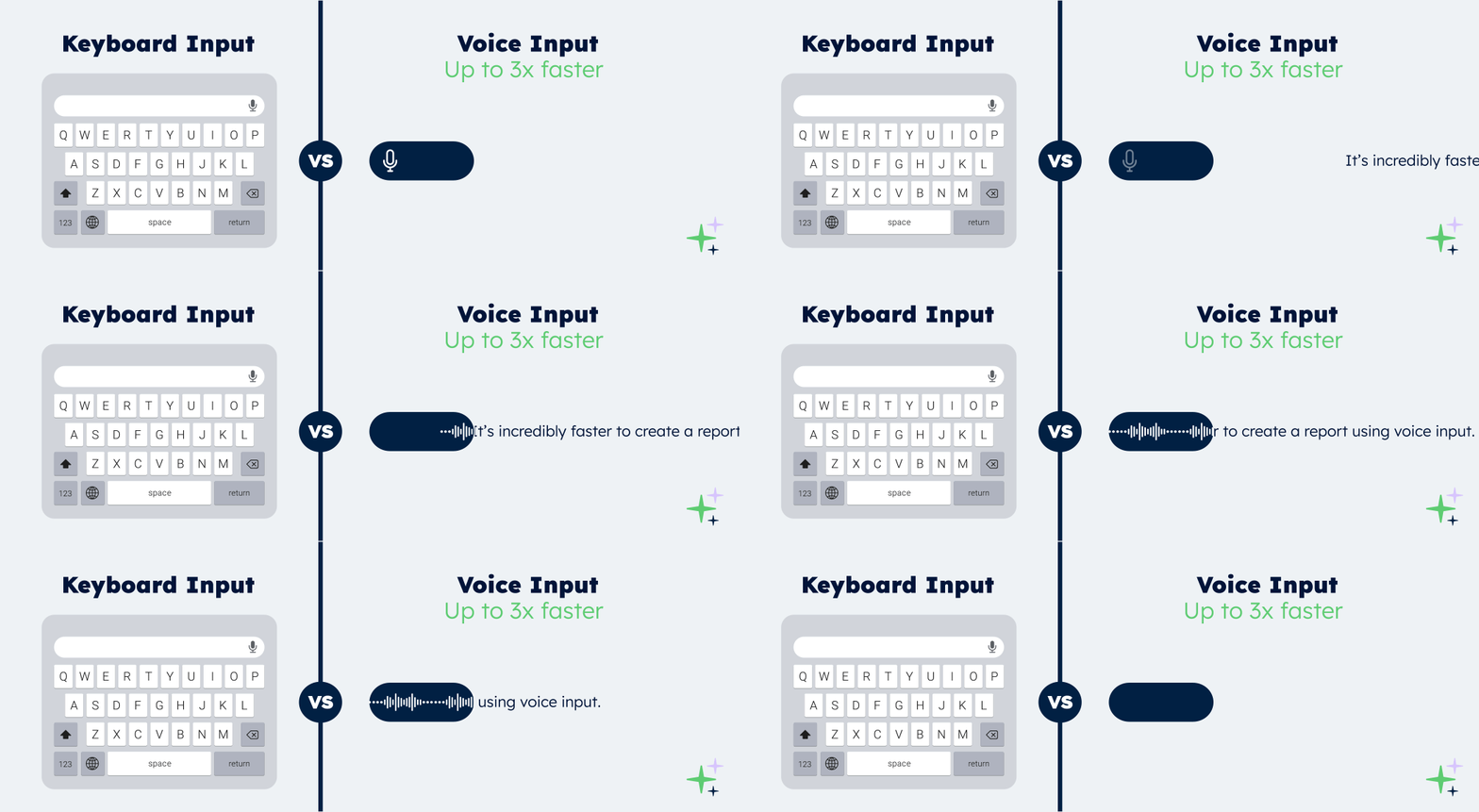
With AI voice input, simply speak and your forms complete themselves automatically.
- Fast: your forms are filled in 3× faster than typing.
- Smart: AI understands accents, industry jargon and foreign languages.
- Reliable: every field completed — no errors, no retyping.
Generate forms in 15 seconds with AI
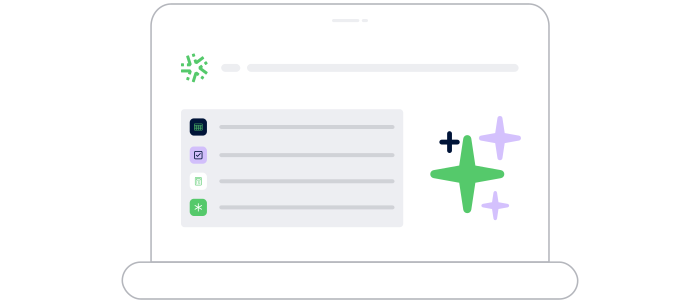
Designing a professional form has never been easier: describe your need and our AI instantly creates
a complete, ready-to-use form in 15 seconds :
-
Fast : your forms are generated in seconds.
-
Versatile : convert your PDFs into digital forms and translate them.
-
Flexible : customise every detail for a form 100% tailored to your business.
Control your data and actions through an AI Chat
With the AI Assistant, no more switching endlessly between tools: simply chat in an AI interface that accesses your data and performs actions for you.
- Centralised:
One chat to access your Kizeo Forms data and all your business tools. - Actionable:
The AI Assistant doesn’t just answer — it executes the actions you request (updates, creation, sending, exporting…). - Fast:
Fewer clicks, fewer steps, and tasks completed in just seconds.
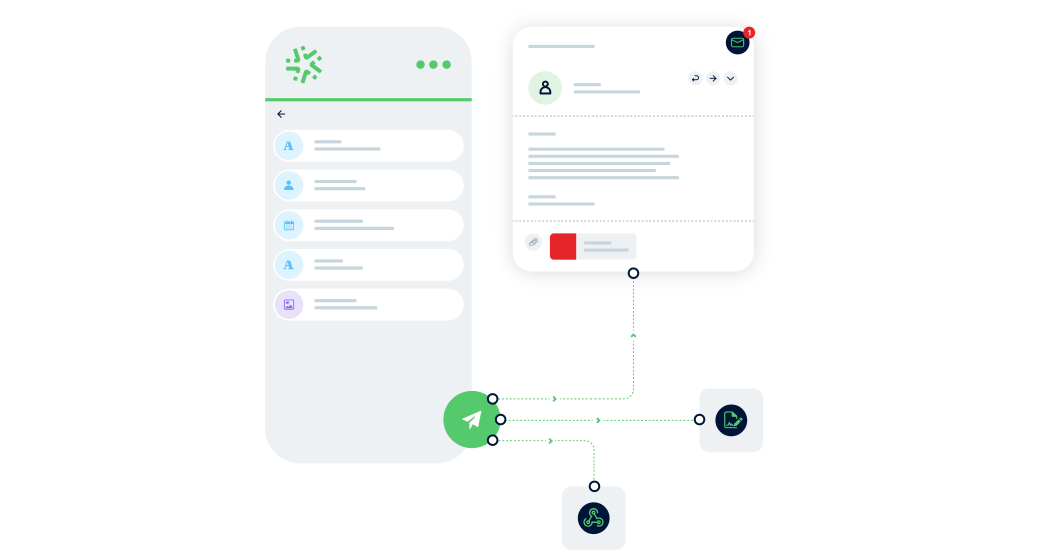
Connect Kizeo Forms to 200+ apps without knowing how to code
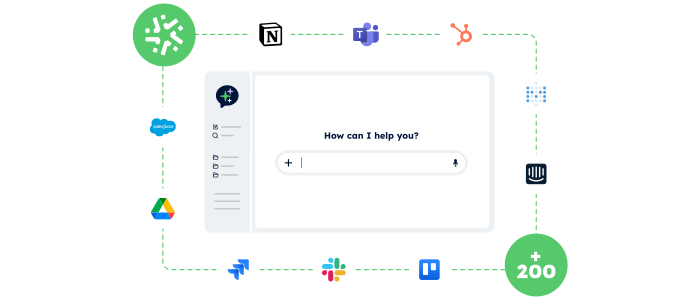
Link Kizeo Forms to 200+ applications in just a few clicks and let your data flow automatically:
-
Automate: your actions, updates and notifications trigger themselves.
-
Connect: your data moves freely between Kizeo Forms and 200+ tools.
-
Accelerate: your processes gain speed and efficiency.

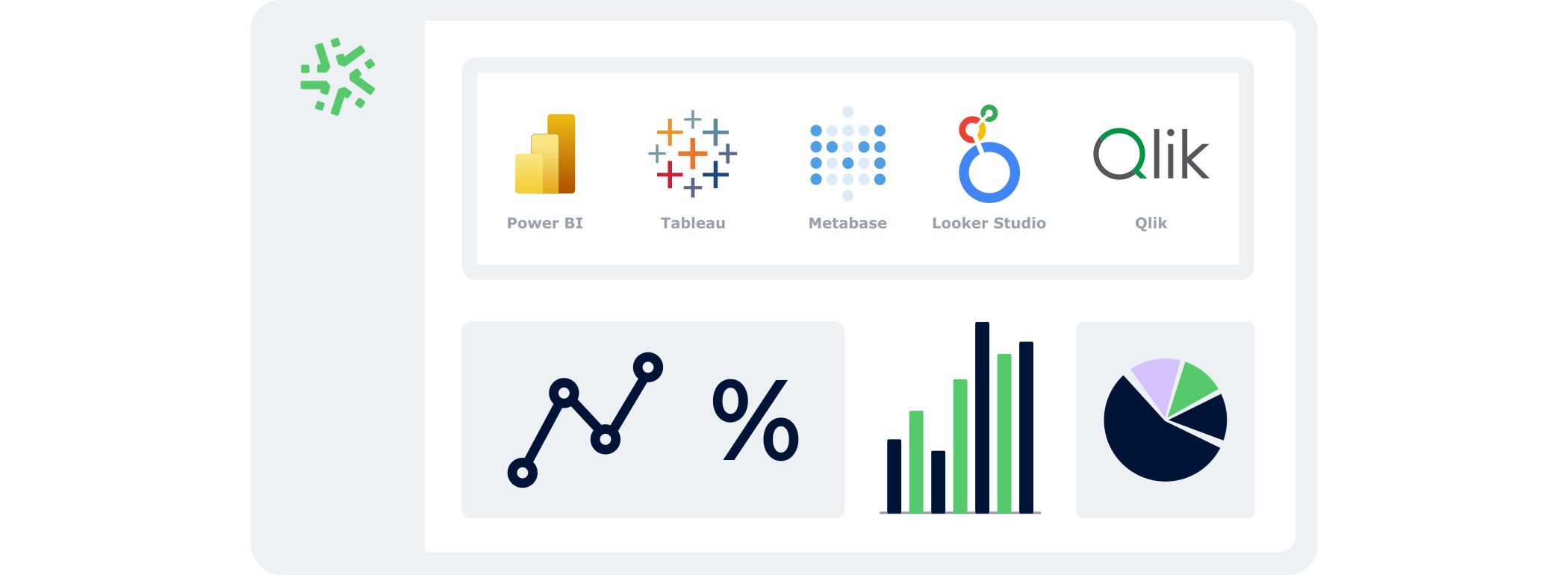
Manage your data in real time
With the BI Connector, your field data automatically feeds your dashboards:
- Automatic:
your KPIs update continuously, with no CSV files or manual handling. - Accurate:
you analyse reliable, structured data that is always aligned with field reality. - Flexible:
connect the BI tool of your choice and select only the data that matters.
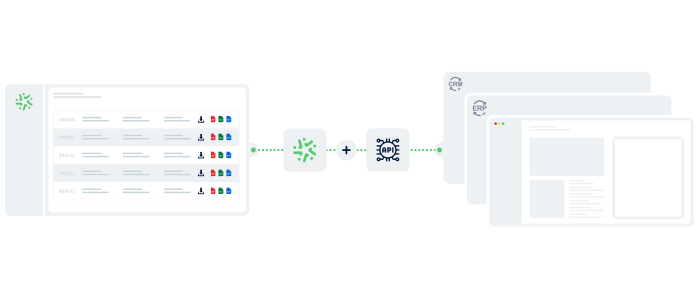
Your reports in a jiffy
Automatically transform every submitted form into a clear, complete report — with no re-entry or manual formatting required:
-
Save time: one submitted form = one generated report in PDF, Word, or Excel.
-
Advanced customization: add your logo, headers, and layouts to match your visual identity.
-
Make your data shine: generate precise, impactful reports and share them instantly with the right people.

Connect Kizeo Forms to Your Tools in One Click
Kizeo Forms integrates seamlessly with your existing software to streamline your processes:
- Multiple integrations: connect with Dropbox, DocuSign, Trackdéchets, Zapier, Make and many more!
- Time savings: automate your data flows, eliminate manual re-entries, and focus on what truly matters.
- Ease of use: link your tools in just a few clicks thanks to our REST API.
Work anywhere, even without a network
Collect data offline, even in areas without internet:
- No interruptions : entry continues seamlessly, even without a connection.
- Protected data : everything is securely saved locally.
- Auto-sync : your information uploads automatically as soon as the device reconnects.

Create forms that adapt to your business
Transform your paper forms into 100% personalized digital versions:
- Add 25+ fields: photos, signatures, geolocation, tables, automated calculations, and more.
- Customize every element: business rules, required fields, display conditions, and more.
- Speed up your creation with AI and a library of 50+ ready-to-use templates.