




How does offline data collection work?
Collect your data, even without a network
Whether you’re in a white zone, basement, tunnel or remote site, your teams can continue entering data offline. The forms remain accessible, and everything works as normal.

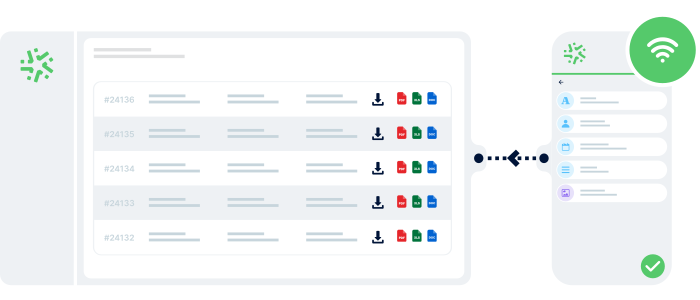
Your data is saved locally
Every piece of data entered offline is stored instantly on your teams’ mobile device — with no loss and no interruption.

Everything synchronises automatically online
As soon as the network returns, all data collected offline is automatically synchronised and immediately available.
Sectors
Offline data collection for every field-based profession 🚀
Work without a network, wherever your teams operate. Offline data collection ensures continuous, reliable and secure entry — even in white zones. See how each sector boosts efficiency with offline-enabled forms.
Construction

Work smoothly on isolated sites, basements, construction areas or locations with no signal.
Offline collection lets you perform inspections, checks, photos and observations without interruption, then sync everything automatically later.
Industry & Sensitive Sites

Ideal for factories, metal buildings, warehouses, technical rooms or any environment with poor signal.
Continue your inspections, safety rounds and technical checks in offline mode, with guaranteed sync once the connection returns.
Maintenance

Operate in underground car parks, boiler rooms, closed spaces or service areas without ever stopping data entry.
Your technicians log actions, replaced parts, readings and photos offline, and everything syncs automatically once they reconnect.
Cleaning Services

Carry out quality checks, service follow-ups, intervention forms or cleaning reports in poor-coverage areas: shopping centres, car parks, warehouses…
Offline collection provides perfect continuity and zero data loss.
Agriculture

Capture your data in rural or outdoor environments: parcel inspections, environmental readings, crop monitoring, field observations.
Offline mode ensures reliable data entry, even far from any internet connection.
Energy & Utilities

Perfect for gas, electricity, water or fibre interventions, often done in basements, technical rooms, ducts or rural zones.
Offline collection lets you take meter readings, control installations, report anomalies and add photos without a connection — with automatic sync once the network is back.
Advantages
Reliable data, even without a connection

Work without interruption
Even in white zones or without a network, your teams continue entering data normally. No more dependency on a connection to move forward in the field.

Secure your data everywhere
All data entered offline is stored locally on the device. No risk of loss — even in the most challenging environments.

Automatic synchronisation
As soon as the network returns, all data updates automatically — no manual action required.

4,500+ businesses trust Kizeo Forms
4,500+ businesses trust Kizeo Forms







Everything you need to know about offline data collection
What is offline data collection?
Offline data collection allows you to complete your forms even without an internet connection.
The data is saved directly on your team’s device, then automatically synchronised once the network returns — ideal for white zones or isolated sites.
Can I use my forms normally offline?
Yes, all your forms remain fully usable offline. Nothing changes for your field operators, even without a connection.
Can data be lost in offline mode?
No. Data entered offline is stored locally on your device until synchronisation.
Does offline mode work on mobile and tablet?
Yes, it works on all devices compatible with the Kizeo Forms mobile app.
Whether on smartphone or tablet, you can enter data offline without any limitations.
Can I add photos or signatures offline?
Yes, all our features remain available offline: photo capture, electronic signature, comments and geolocation.
Is offline data collection secure?
Absolutely. Data is stored securely on the device and sent via encrypted connections during synchronisation. Your work stays protected, even in white zones.
Can I test offline collection for free?
Yes, you can test Kizeo Forms for free with our 15-day trial. Simply create an account, build your first form, and try it in the field.
Explore all our other features 🚀

Custom forms

AI form builder

AI-assisted data entry

Task automation

AI assistant

Automated reports

BI connector

Multi-app integration
Create forms that adapt to your business
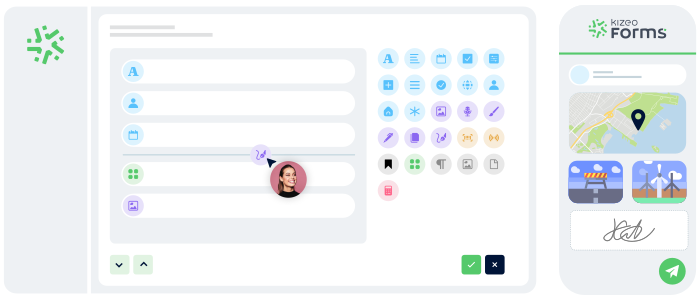
Transform your paper forms into 100% personalized digital versions:
- Add 25+ fields: photos, signatures, geolocation, tables, automated calculations, and more.
- Customize every element: business rules, required fields, display conditions, and more.
- Speed up your creation with AI and a library of 50+ ready-to-use templates.
Generate forms in 15 seconds with AI
Designing a professional form has never been easier: describe your need and our AI instantly creates
a complete, ready-to-use form in 15 seconds :
-
Fast : your forms are generated in seconds.
-
Versatile : convert your PDFs into digital forms and translate them.
-
Flexible : customise every detail for a form 100% tailored to your business.

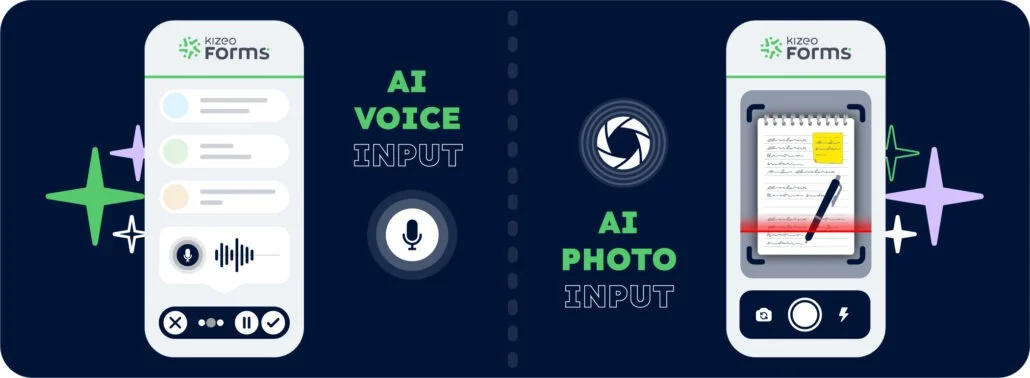
Speak. Take a photo. AI fills it in.
With AI-assisted data entry , simply speak or take a photo and your forms are completed automatically.
-
Fast : dramatically reduce the time spent entering data for each form.
-
Intelligent : AI understands accents, foreign languages, and reads your documents.
-
Reliable : accurate data, with no errors and no re-entry.
Control your data and actions through an AI Chat
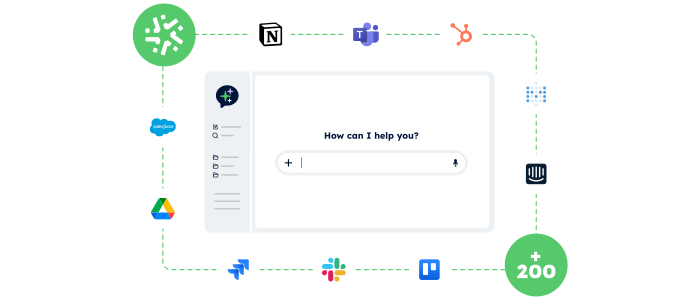
With the AI Assistant, no more switching endlessly between tools: simply chat in an AI interface that accesses your data and performs actions for you.
- Centralised:
One chat to access your Kizeo Forms data and all your business tools. - Actionable:
The AI Assistant doesn’t just answer — it executes the actions you request (updates, creation, sending, exporting…). - Fast:
Fewer clicks, fewer steps, and tasks completed in just seconds.
Your reports in a jiffy
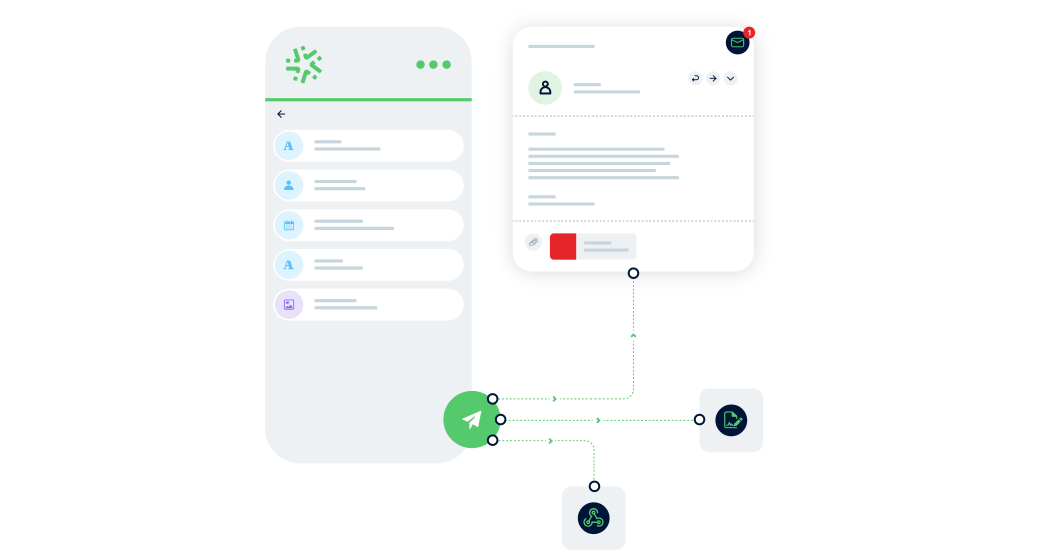
Automatically transform every submitted form into a clear, complete report — with no re-entry or manual formatting required:
-
Save time: one submitted form = one generated report in PDF, Word, or Excel.
-
Advanced customization: add your logo, headers, and layouts to match your visual identity.
-
Make your data shine: generate precise, impactful reports and share them instantly with the right people.

Manage your data in real time
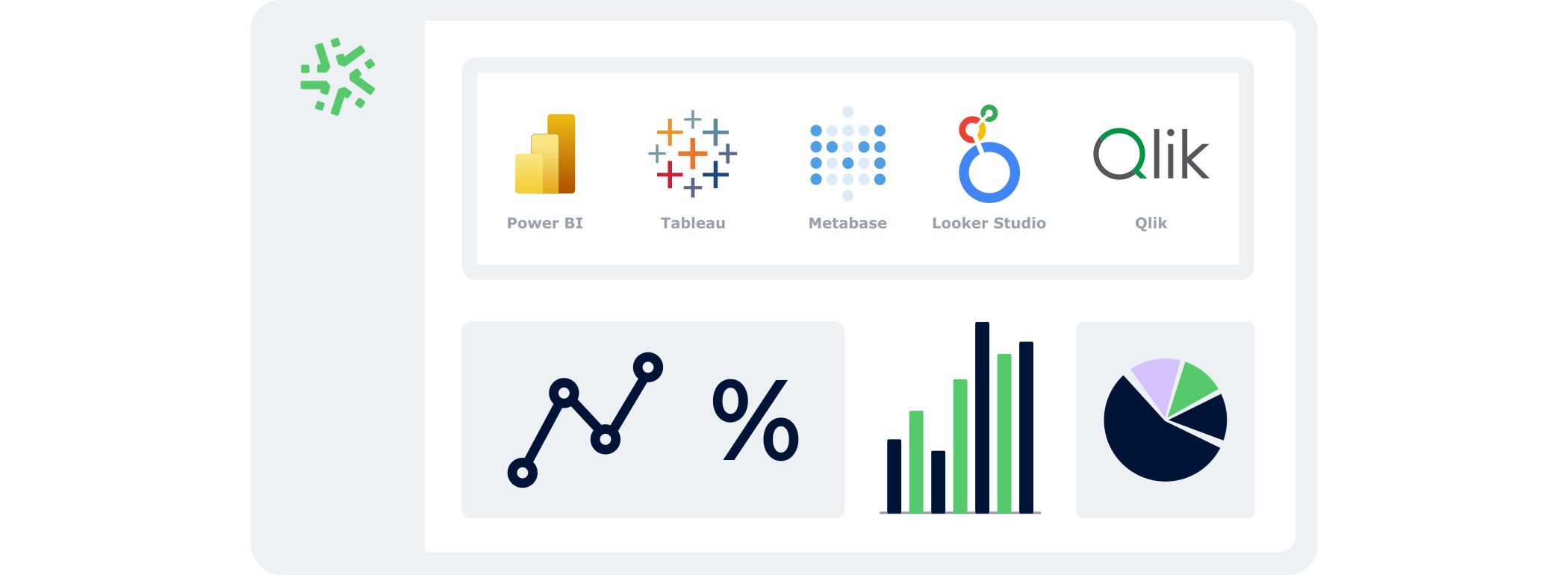
With the BI Connector, your field data automatically feeds your dashboards:
- Automatic:
your KPIs update continuously, with no CSV files or manual handling. - Accurate:
you analyse reliable, structured data that is always aligned with field reality. - Flexible:
connect the BI tool of your choice and select only the data that matters.
Connect Kizeo Forms to 200+ apps without knowing how to code
Link Kizeo Forms to 200+ applications in just a few clicks and let your data flow automatically:
-
Automate: your actions, updates and notifications trigger themselves.
-
Connect: your data moves freely between Kizeo Forms and 200+ tools.
-
Accelerate: your processes gain speed and efficiency.