


How do I create my bespoke forms?
Create your forms with ease
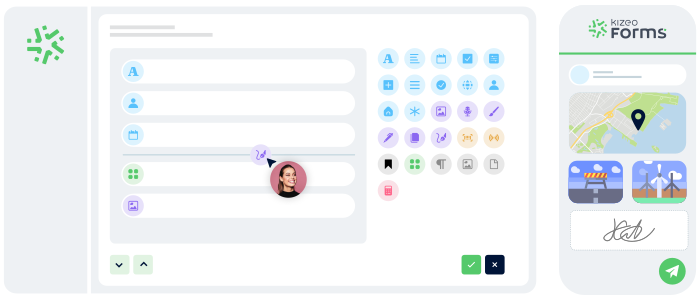
Build your bespoke forms with 25+ field types: photos, signatures, geolocation, tables, dropdown lists, dates, files, and more.
In just a few clicks, you create exactly the form you need.

Configure your forms according to your business rules
Fine-tune how your form behaves using advanced options such as:
- Required fields to capture essential data.
- Visibility conditions to display only what’s relevant.
- Automated calculations for quotes, invoices, totals, or indicators.
Your form becomes perfectly aligned with your internal processes.

Deploy your forms in the field
Deploy your forms directly to your teams’ smartphones and tablets.
They can enter data on the move, add photos and signatures, and submit everything in one tap, even offline.
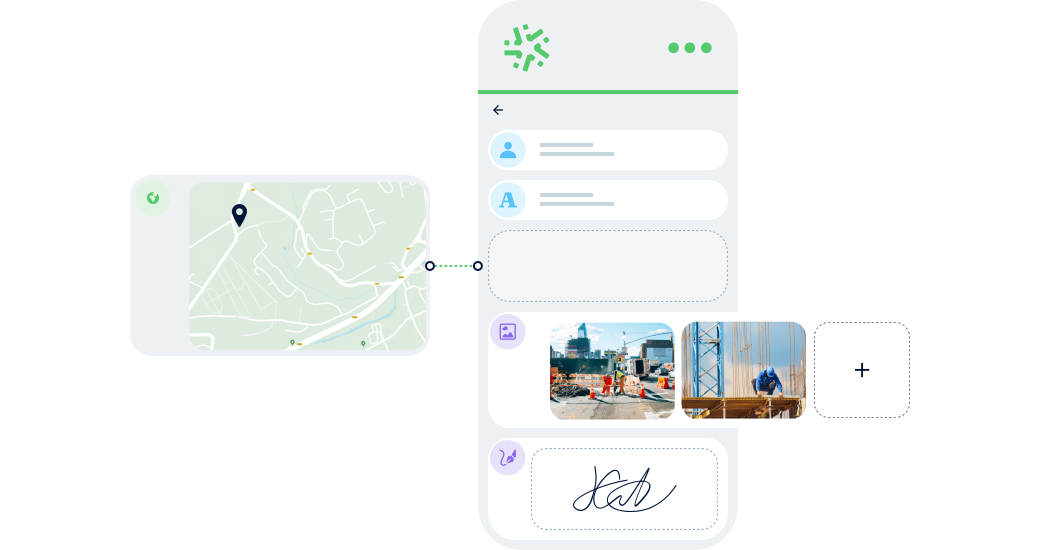
25+ customisable field types
Photo
Capture or select photos from your mobile device and attach them to your entries.

Geolocation
Capture or select photos from your mobile device and attach them to your entries.

Electronic signature
Sign forms digitally for fast, secure validation.

Table
Repeat a sequence of fields for structured, organised data entry.

Sectors
Bespoke forms for every profession 🚀
Whatever your industry, Kizeo Forms adapts to your workflows. Create personalised forms to structure field data, standardise reports, and save time every day.
Construction

Create bespoke forms for site inspections, snag lists, reports, safety walkthroughs, and handovers. Your teams work faster and your data becomes consistent.
QHSE & Safety

Design your own audit checklists, incident reports, risk analyses, safety briefings, or non-conformity sheets.
Maintenance

Generate work orders, diagnostics, maintenance sheets, or commissioning reports. Collect photos, signatures, readings, and observations in a fully custom format.
Telecoms & Fibre

Create forms for connections, measurements, infrastructure checks, field surveys, and installation reports.
Energy & Utilities

Build forms for meter readings, network inspections, technical audits, or compliance checks.
HR & Administration

Customize internal requests such as leave, remote work, time tracking, expenses, and evaluations.
Advantages
Collect reliable data from the very first entry
With bespoke forms designed for your field teams and your business needs, collect better data, work faster, and eliminate errors.

Save valuable time
Reduce manual input, standardise data, and speed up interventions with forms adapted to your workflows.

Gain flexibility
Benefit from 25+ field types, dynamic rules, automated calculations, and advanced options.

Simplify usage for your teams
A clear, intuitive interface accessible to everyone — even without internet access.


Speed up your form creation with AI!
Import a PDF, an image, or simply describe what you need. The AI form generator transforms your content into a clear, structured, ready-to-use form.
In 15 seconds, you get a professional base you can refine.
Frequently asked questions about creating bespoke forms
How do I create a bespoke form with Kizeo Forms?
Choose one of three methods:
- Bespoke: build from scratch.
- AI: auto-generate in 15 seconds.
- Ready-to-use: choose from 70+ templates.
Can I create as many custom forms as I want?
Yes — unlimited bespoke forms, regardless of sector or process complexity.
Can I share a form with my team?
Yes. Share forms with colleagues or partners and set permissions for user access.
What field types can I add?
Over 25 field types: text, photos, tables, geolocation, dynamic lists, automated calculations, electronic signatures, dates, attachments, and more.
What types of forms can I create?
Any form: work orders, site reports, inspections, quotes, delivery notes, HR requests, and more.
Do I need technical skills?
No — our interface requires no coding and is designed to be simple and intuitive.
Can I edit an existing form?
Yes — adjust or reorganise fields at any time, with instant updates for field teams.
Can I generate reports from my forms?
Yes — produce PDF, Word, or Excel reports including photos, signatures, and field data.
Is the data secure?
Yes. All data are hosted in Europe, with strong security and GDPR compliance.
Can I try it for free?
Yes — 15-day free trial, no commitment and no credit card.
Create bespoke forms, deploy them, and explore all features freely.
4,500+ companies trust Kizeo Forms
4,500+ companies trust Kizeo Forms







Explore all our other features 🚀

AI form builder

AI-assisted data entry

Offline data collection

Automated reports

Task automation

Multi-app integration

API

BI connector

AI assistant
Generate forms in 15 seconds with AI
Designing a professional form has never been easier: describe your need and our AI instantly creates
a complete, ready-to-use form in 15 seconds :
-
Fast : your forms are generated in seconds.
-
Versatile : convert your PDFs into digital forms and translate them.
-
Flexible : customize every detail for a form 100% tailored to your business.

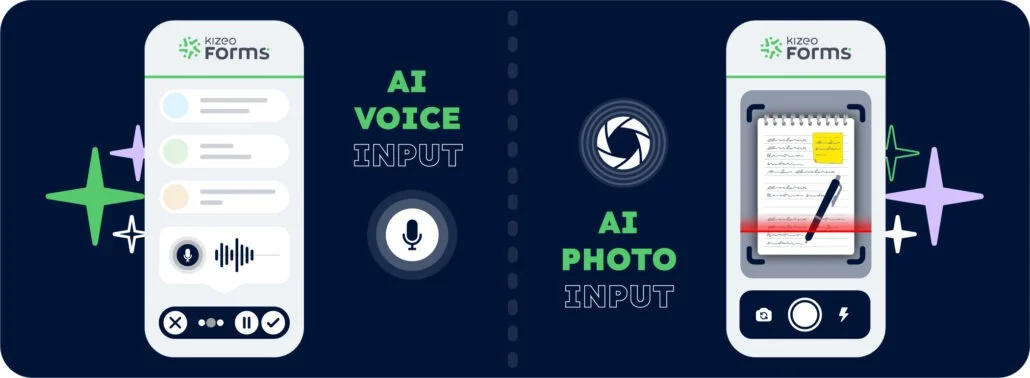
Speak. Take a photo. AI fills it in.
With AI-assisted data entry , simply speak or take a photo and your forms are completed automatically.
-
Fast : dramatically reduce the time spent entering data for each form.
-
Intelligent : AI understands accents, foreign languages, and reads your documents.
-
Reliable : accurate data, with no errors and no re-entry.
Work anywhere, even without a network
Collect data offline, even in areas without internet:
- No interruptions : entry continues seamlessly, even without a connection.
- Protected data : everything is securely saved locally.
- Auto-sync : your information uploads automatically as soon as the device reconnects.

Your reports in a jiffy
Automatically transform every submitted form into a clear, complete report — with no re-entry or manual formatting required:
-
Save time: one submitted form = one generated report in PDF, Word, or Excel.
-
Advanced customisation: add your logo, headers, and layouts to match your visual identity.
-
Make your data shine: generate precise, impactful reports and share them instantly with the right people.

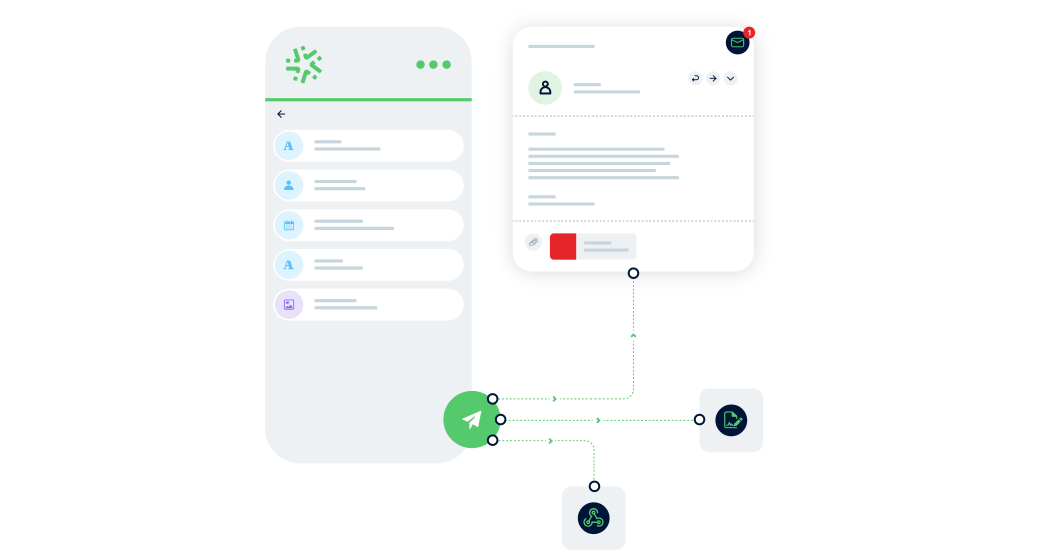
Connect Kizeo Forms to 200+ apps without knowing how to code
Link Kizeo Forms to 200+ applications in just a few clicks and let your data flow automatically:
- Automate: your actions, updates and notifications trigger themselves.
- Connect: your data moves freely between Kizeo Forms and 200+ tools.
- Accelerate: your processes gain speed and efficiency.

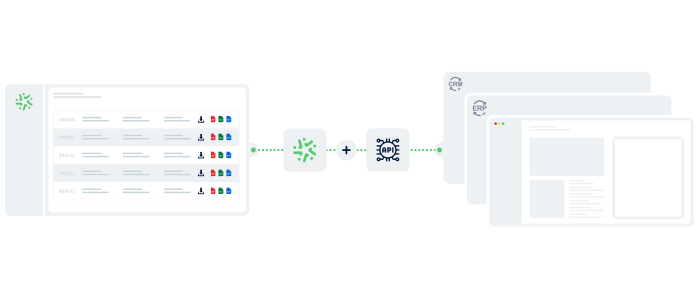
Connect Kizeo Forms to Your Tools in One Click
Kizeo Forms integrates seamlessly with your existing software to streamline your processes:
- Multiple integrations: connect with Dropbox, DocuSign, Trackdéchets, Zapier, Make and many more!
- Time savings: automate your data flows, eliminate manual re-entries, and focus on what truly matters.
- Ease of use: link your tools in just a few clicks thanks to our REST API.
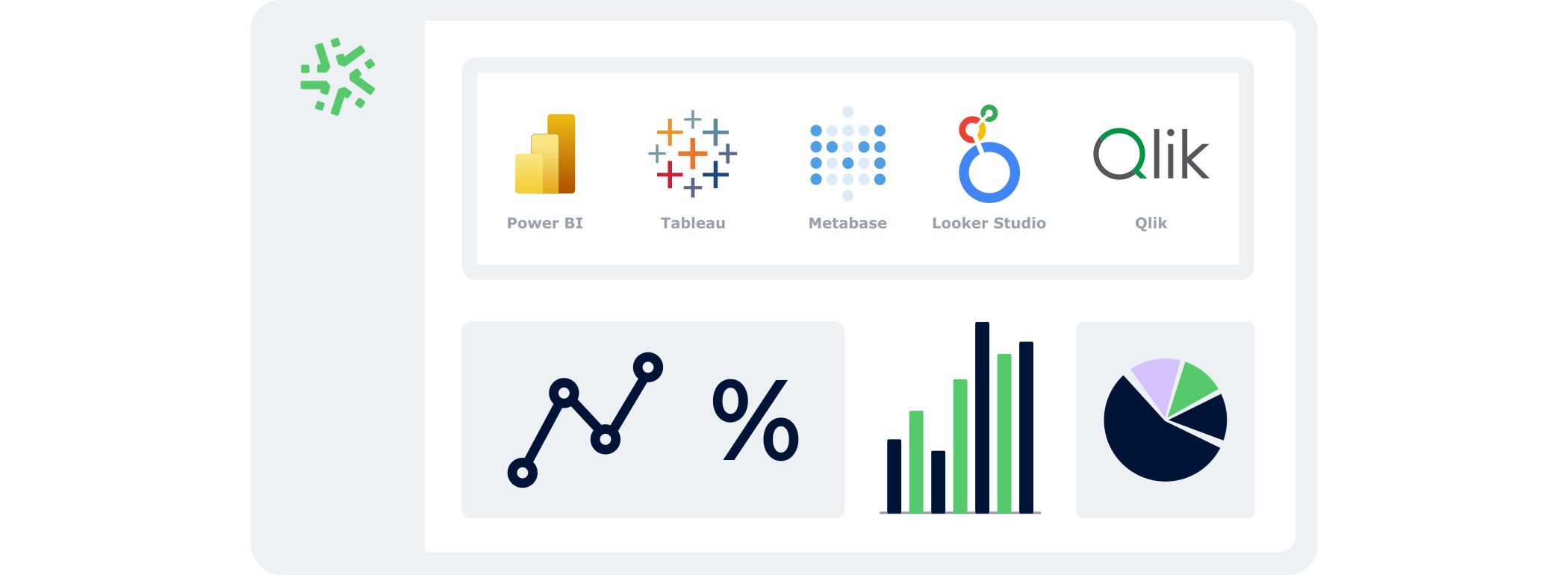
Manage your data in real time
With the BI Connector, your field data automatically feeds your dashboards:
- Automatic: your KPIs update continuously, with no CSV files or manual handling.
- Accurate: you analyse reliable, structured data that is always aligned with field reality.
- Flexible: connect the BI tool of your choice and select only the data that matters.
Control your data and actions through an AI Chat
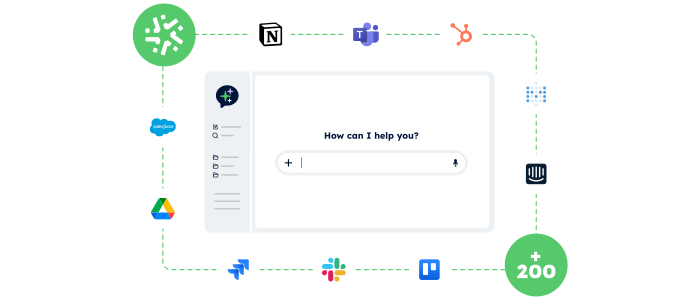
With the AI Assistant, no more switching endlessly between tools: simply chat in an AI interface that accesses your data and performs actions for you.
- Centralised:
One chat to access your Kizeo Forms data and all your business tools. - Actionable:
The AI Assistant doesn’t just answer — it executes the actions you request (updates, creation, sending, exporting…). - Fast:
Fewer clicks, fewer steps, and tasks completed in just seconds.