






Health and Safety Inspection Checklist
Walk every area of your workplace, from fire exits and housekeeping to COSHH storage and PPE, and record what complies, what needs action and who will fix it. Check on the ground that the controls in your risk assessment are really in place.
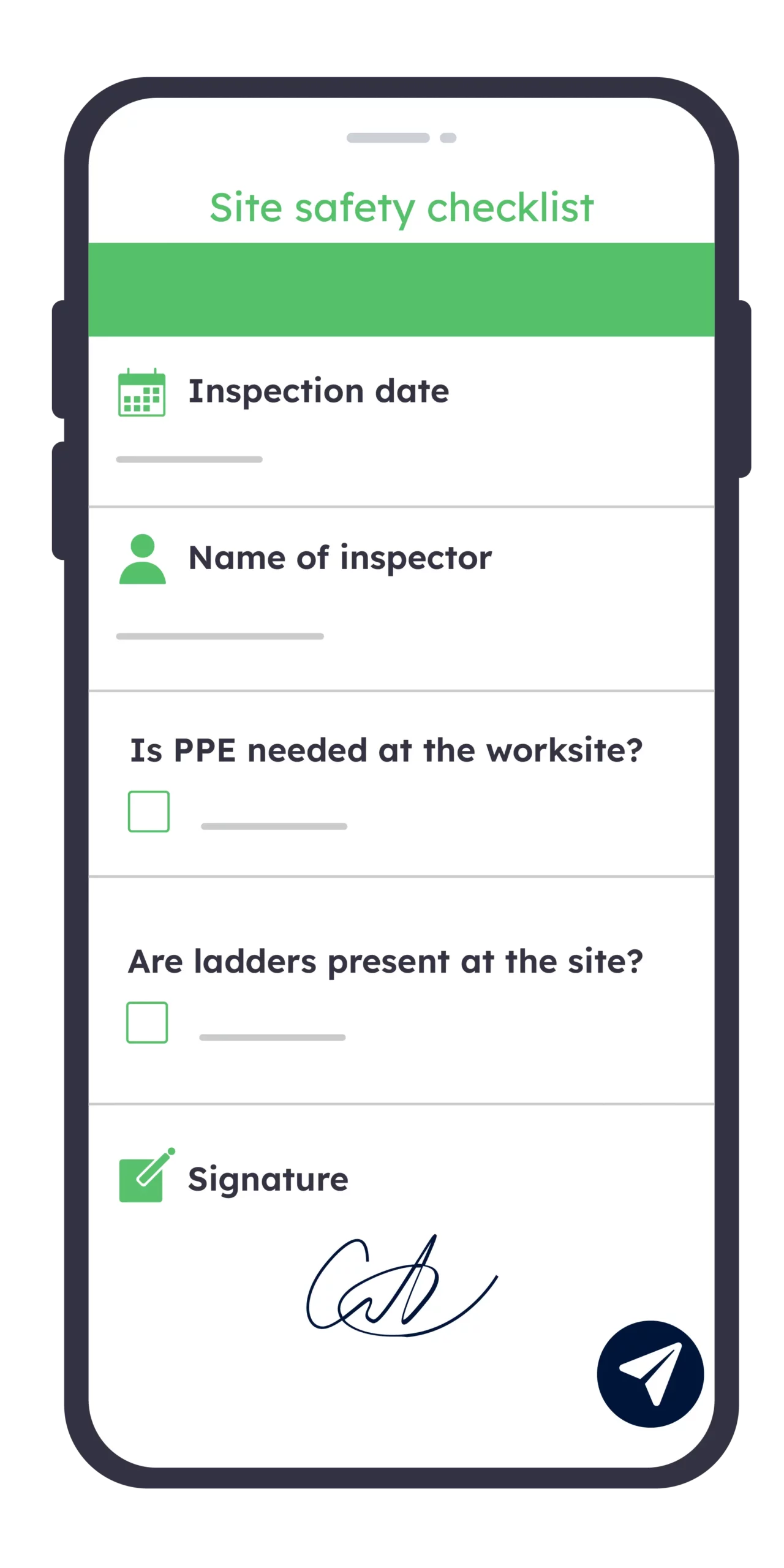
Try for free for a period of 2 weeks
Free trial
Advantages
From paper safety walk to scored inspection
A paper checklist records what you saw on the day. A digital health and safety inspection checklist shows whether each hazard was fixed, how every area scores and where your controls slip between inspections.
Without Kizeo Forms
- Hazards written up later from memory
- Non-conformances lost in a ring binder
- Actions chased by email, deadlines missed
- No score, areas impossible to compare
- Unsigned sheets, no proof of inspection
- Report typed up days after the walk
With Kizeo Forms
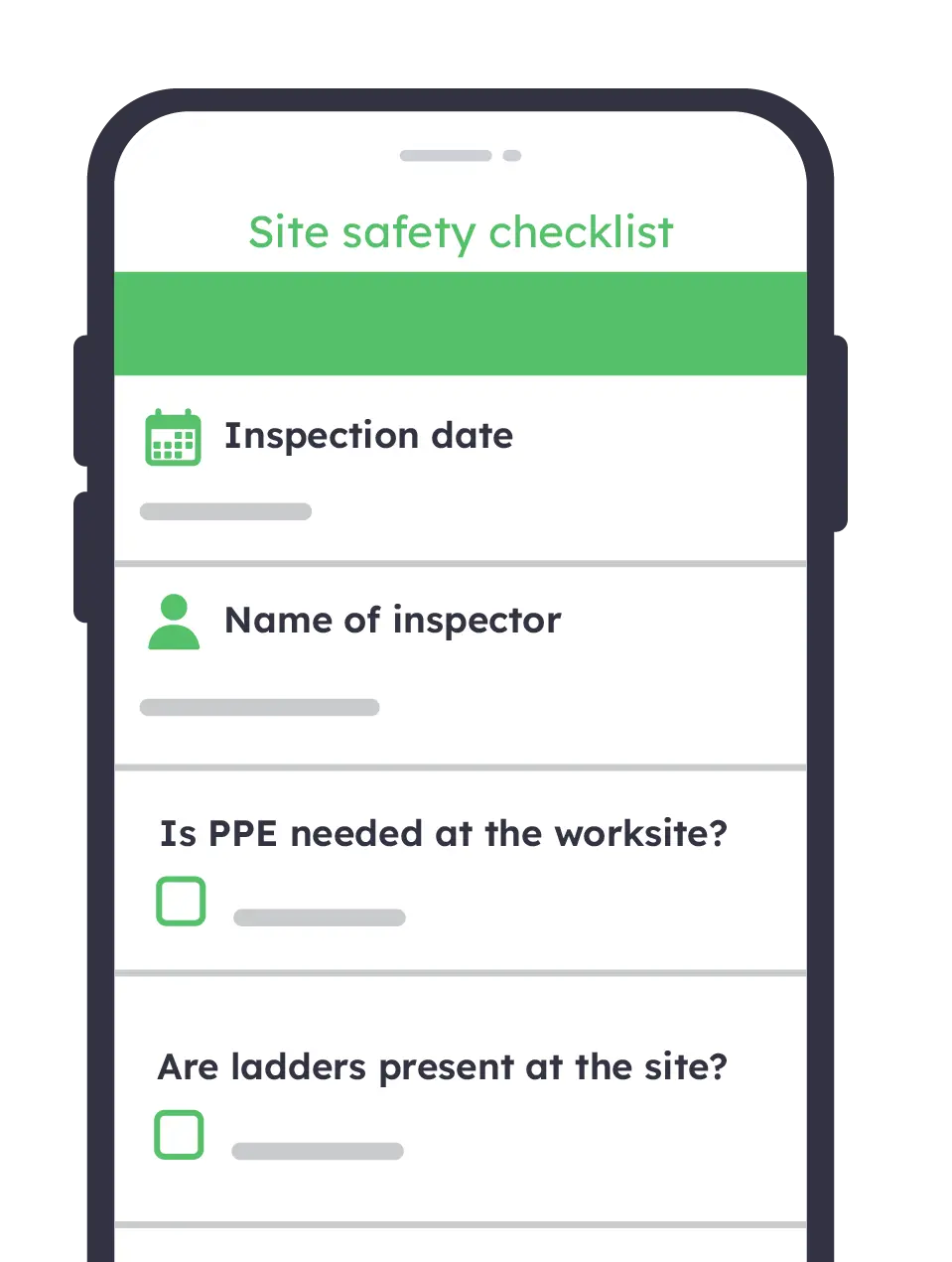
- Hazards photographed and logged on the spot
- Each non-conformance tied to a corrective action
- Owner and due date alerted automatically
- Each area scored, inspections compared over time
- Signed, dated and geolocated inspection reports
- Report shared with managers before you leave
Score every area consistently
Rate each check on the same scale, so 78% in March means the same as 78% in June. Each area’s score is calculated automatically, so you see straight away where housekeeping or fire safety is slipping.

Capture evidence on the spot
Photograph the blocked fire exit or the damaged cable, annotate it and attach it to the check it belongs to. Every non-conformance carries its own proof, ready for your health and safety committee.

Close corrective actions faster
Assign each action to a named person, with a priority and a due date, while you are still on the walk. They are notified at once with the photo, so nothing waits until the next inspection.

Adapt one checklist to every site
Use the same checklist for offices, workshops and construction sites, and show the CDM 2015 checks only when the inspection takes place on site. Conditional questions keep every safety walk short and relevant.

How does it work?
Build your inspection checklist with AI from your existing sheet
Import your current paper checklist, or our free PDF, or simply describe your premises: the AI form builder organises it into areas and checks in seconds. Then adjust the rating scale, mandatory fields and conditional questions, with no code.

Walk each area and rate every check
On a phone or tablet, mark each check as satisfactory, action required or N/A, then add photos and comments as you go. The inspection carries on offline in basements and plant rooms, and syncs as soon as you are back on the network.
Trigger corrective actions automatically
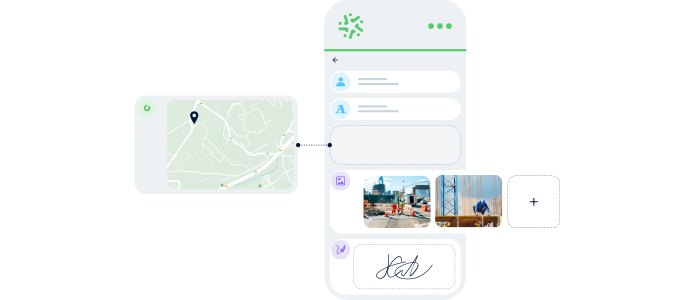
Any check marked “action required” sends an email straight to the person in charge of the area, with the photo, the comment and the location attached. No hazard waits for the report to be typed up.
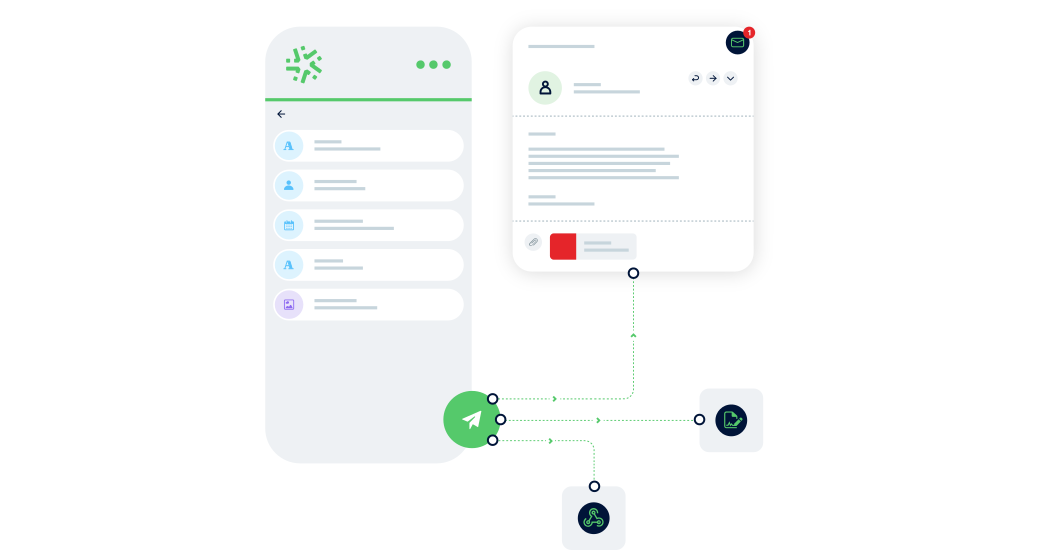
Share the signed report and compare scores
Sign off on site and the inspection report goes automatically to managers and your health and safety committee. Export the scores to Excel to follow each area from one safety walk to the next.

A solution for all departments
Enhance your capabilities with Kizeo Forms, simplifying the creation of fully customised site safety reports.
Kizeo Forms offers a versatile toolkit, enabling you to adapt the platform to your exact specifications. With an extensive array of customisable settings, you can fine-tune the system to align precisely with your unique needs.
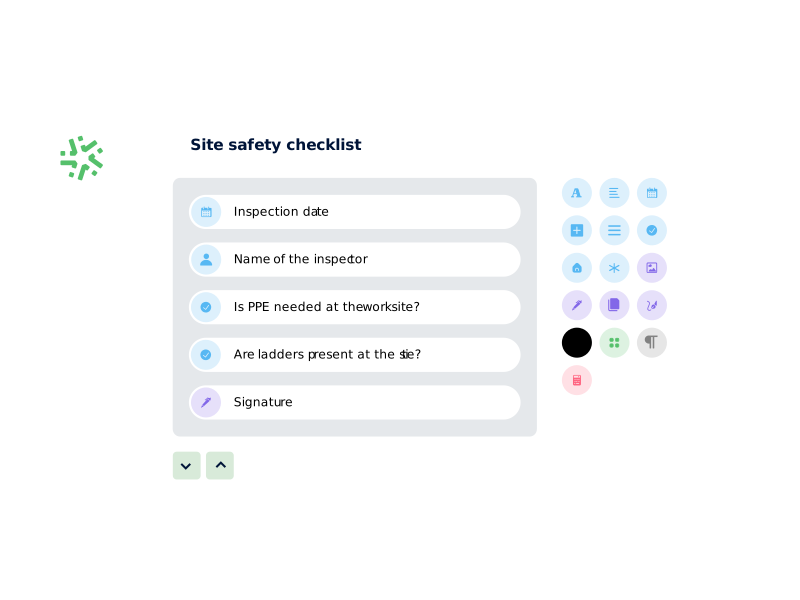
18 custom fields

Track and document the precise geographic location of safety incidents or observations. This enhances accuracy and context in safety reporting.

The photo field in Kizeo Forms for site safety reports allows for the capture and inclusion of visual documentation. This enhances the accuracy and completeness of safety reports.

The signature field in Kizeo Forms for site safety reports ensures the authenticity and compliance of safety documentation. This is done by allowing authorised personnel to electronically sign reports.
11 functionalities

Take control of the information displayed in your site safety reports by using Kizeo Forms’ visibility conditions feature, allowing precise management of field visibility.

Effortlessly generate personalised safety reports in a range of file formats with the custom reporting feature of Kizeo Forms.

Simplify your email automation process for site safety reports in Kizeo Forms. This ensures that crucial information is promptly delivered to the right recipient as needed.
Try out our site safety report template
Discover the effectiveness of our Site Safety Report template and see how it can enhance your safety management processes by giving it a try today!
Testimonials

Balfour Beatty VINCI relies on Kizeo Forms for health and safety observations, enabling efficient information sharing with other departments to drive improvements and ensure best practices.

Lenka Vosvrdova
Site Construction Agent at Balfour Beatty VINCI
Check out other similar templates
View all our templatesDaily report template

Project progress tracking
Quality Control
Resource management
Safety and Health Compliance
Sectors
- Construction
Time and material template
Billing and invoicing
Change order management
Project and labour cost estimation
Quality Control
Sectors
- Construction
Equipment inspection form
Equipment Maintenance and Improvement
Extend the lifespan of construction equipment
Keeping track of the condition and availability of equipment
Preventative maintenance
Sectors
- Construction
Want to digitalise a particular process?
Let Kizeo Forms do the job with its wide range of fields and features.
Create a completely tailored form that fits your specific needs.