


How does AI-assisted data entry work?
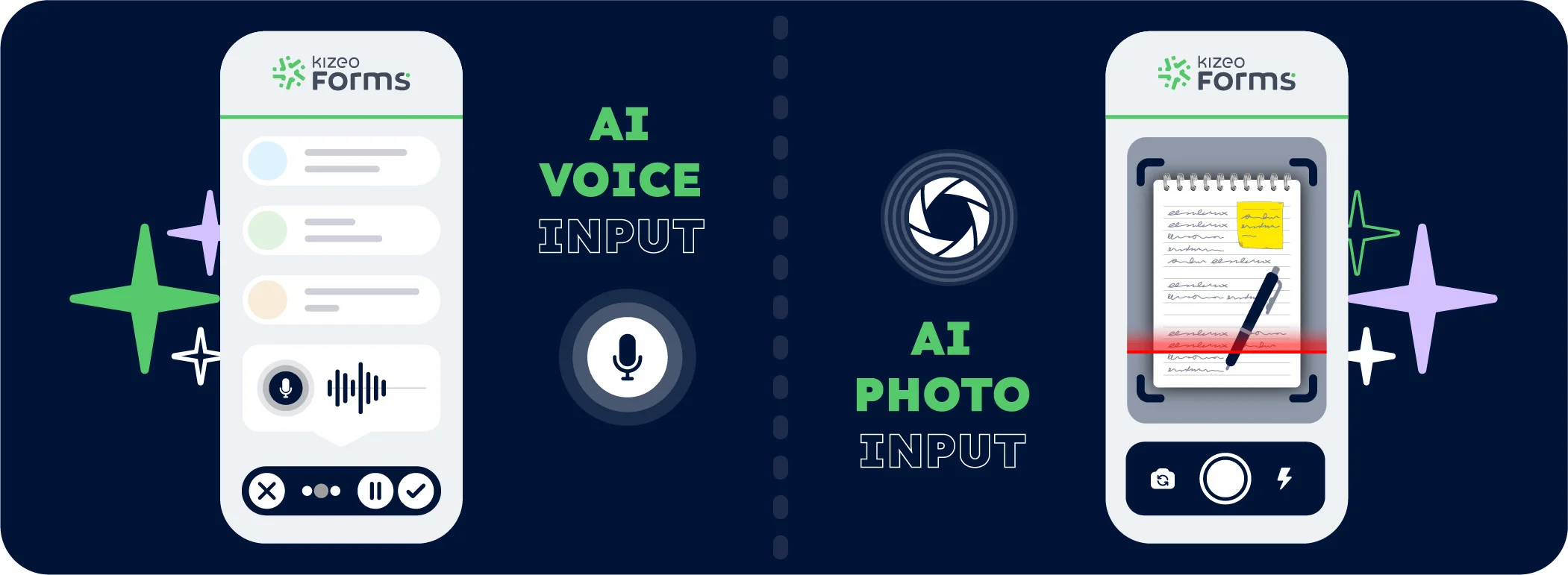
Just speak, and the AI writes for you.
Activate AI voice input, speak, and describe your task. The AI listens and automatically populates the form fields—even in different languages, with accents, using technical jargon, or in noisy environments.

Or capture a photo, and the AI analyses it.
Activate AI photo capture and capture a document, meter, work order, or handwritten note. The AI reads and instantly populates the corresponding form fields.

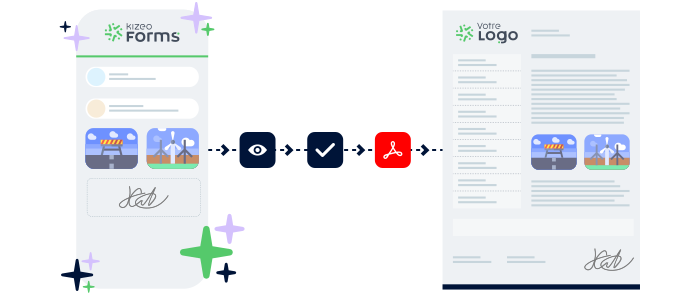
Validate and generate reliable reports
Validate the pre-populated fields and submit your data with a single click. The AI structures everything to produce a report that is immediately actionable for your monitoring, audits, and analysis.
Sectors
Simplify your workflows with AI-assisted data entry 🚀
In the field, simply speak or take a photo—and the AI does the rest.
Your forms are completed automatically, with no retyping or wasted time.
Explore real-world use cases where AI is truly transforming daily operations for field teams.
Job report

Manual data entry after a job is a thing of the past.
The technician simply dictates the fault on the spot, captures the replaced parts and completed actions—without wasting time or putting down their toolbox.
Safety briefing

Each morning, the HSE manager dictates the observed risks and daily safety instructions, while AI-powered photo input captures hazard zones, protective equipment, signage, or on-site incidents.
Site visit

During the site visit, the agent can dictate project progress, report incidents or outline upcoming actions, all while capturing photos of the site.
Site assessment

Instead of juggling photos and note-taking, the landlord or estate agent can dictate observed defects and finishing issues by voice, while capturing photos of the rooms or fixtures.
Progress report

On a dynamic site, AI-assisted data entry enables smooth capture of the actual site conditions at a given moment, including weather, deliveries, workforce levels and incidents, even when hands are occupied or gloved.
Network inspection

The network technician (electricity, water, fibre or gas) can dictate their checks and any detected issues while capturing photos of meters or equipment.
Advantages
The efficiency of AI-assisted data entry with Kizeo Forms
There’s no need to type anymore. Simply speak or take a photo, and Kizeo Forms handles the rest.

Save time
By digitising your forms and adding artificial intelligence, you can significantly reduce the time spent on data entry per form.

Increase accuracy
AI analyses your speech and photos, even with accents, in different languages or from various documents, to produce reliable and well-structured data.

Ease of use
No technical expertise needed. Simply speak or capture a photo.
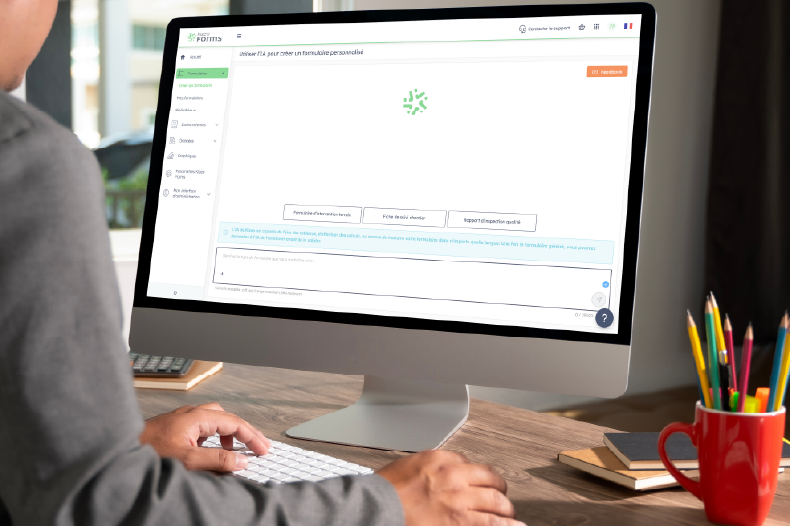
Try our AI form builder
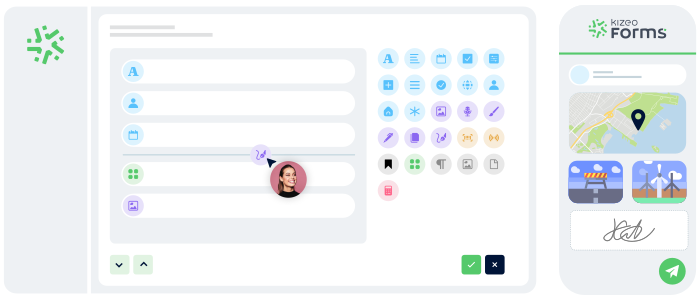
Enhance your AI-assisted data entry experience with our AI-powered form builder.
In just 15 seconds, turn a paper document, an idea, or a simple description into a smart, professional form.
More than 4,500 businesses rely on Kizeo Forms
More than 4,500 businesses rely on Kizeo Forms







FAQ – All you need to know about AI-assisted data entry
What are AI-powered voice input and photo input?
AI-powered voice and photo input allow you to automatically complete your Kizeo Forms using artificial intelligence.
Simply speak or take a photo:
- Voice input listens to your descriptions, rephrases them clearly and fills in the relevant fields.
- Photo input analyses your images—such as documents, meters, job sheets or handwritten notes—and extracts the key information.
Can I try AI-assisted data entry for free?
Yes! You can try Kizeo Forms free for 15 days and experience AI-powered voice and photo input in real working conditions.
Does the AI understand foreign languages, accents, or technical vocabulary?
Absolutely. Our AI understands accents, recognises technical vocabulary (maintenance, construction, QHSE, etc.), and handles multiple languages for both voice and photo input. For instance, you can speak in English, and your fields will be populated in French!
Is it possible to combine AI powered voice entry and image capture within a single form?
Yes, absolutely! You can dictate your observations using voice input, then add images using the AI photo capture on the same form.
The AI automatically analyses, merges, and structures everything to produce a report that is comprehensive, clear, and consistent.
Does the AI completely replace manual entries?
No, it simplifies it. You can still enter data manually.
The AI is there to assist you, speeding up data entry and preventing oversights, without restricting your freedom of action.
Is my data secure with the AI?
Yes. All data collected via Kizeo Forms is hosted on secure servers in Europe and is never used for external purposes.
Kizeo complies with GDPR standards and guarantees the confidentiality of your information.
Explore our full range of features 🚀

AI assistant

AI form builder

AI photo input

AI voice input

Automated reports

BI connector

Multi-app integration

API

Task automation

Offline data collection

Custom forms
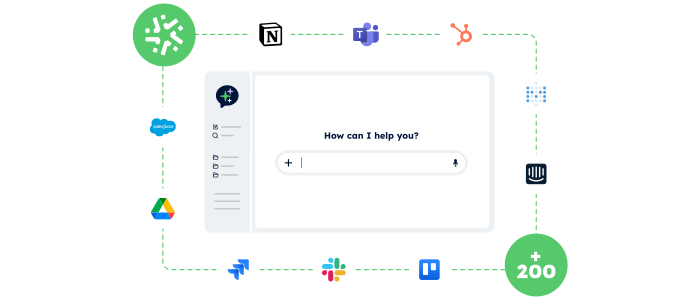
Control your data and actions through an AI Chat
With the AI Assistant, no more switching endlessly between tools: simply chat in an AI interface that accesses your data and performs actions for you.
- Centralised:
One chat to access your Kizeo Forms data and all your business tools. - Actionable:
The AI Assistant doesn’t just answer — it executes the actions you request (updates, creation, sending, exporting…). - Fast:
Fewer clicks, fewer steps, and tasks completed in just seconds.
Generate forms in 15 seconds with AI
Designing a professional form has never been easier: describe your need and our AI instantly creates
a complete, ready-to-use form in 15 seconds :
-
Fast : your forms are generated in seconds.
-
Versatile : convert your PDFs into digital forms and translate them.
-
Flexible : customise every detail for a form 100% tailored to your business.
Just snap a photo and it’s done!
Take a photo, and the AI reads and automatically extracts the data to complete your forms.
-
Save time: image data is extracted in just a few seconds with no manual entry required.
-
Capture without errors: the AI ensures reliable and accurate reading of text, numbers, notes, and codes.
- Enrich your data: your photos are transformed into complete, immediately usable forms.

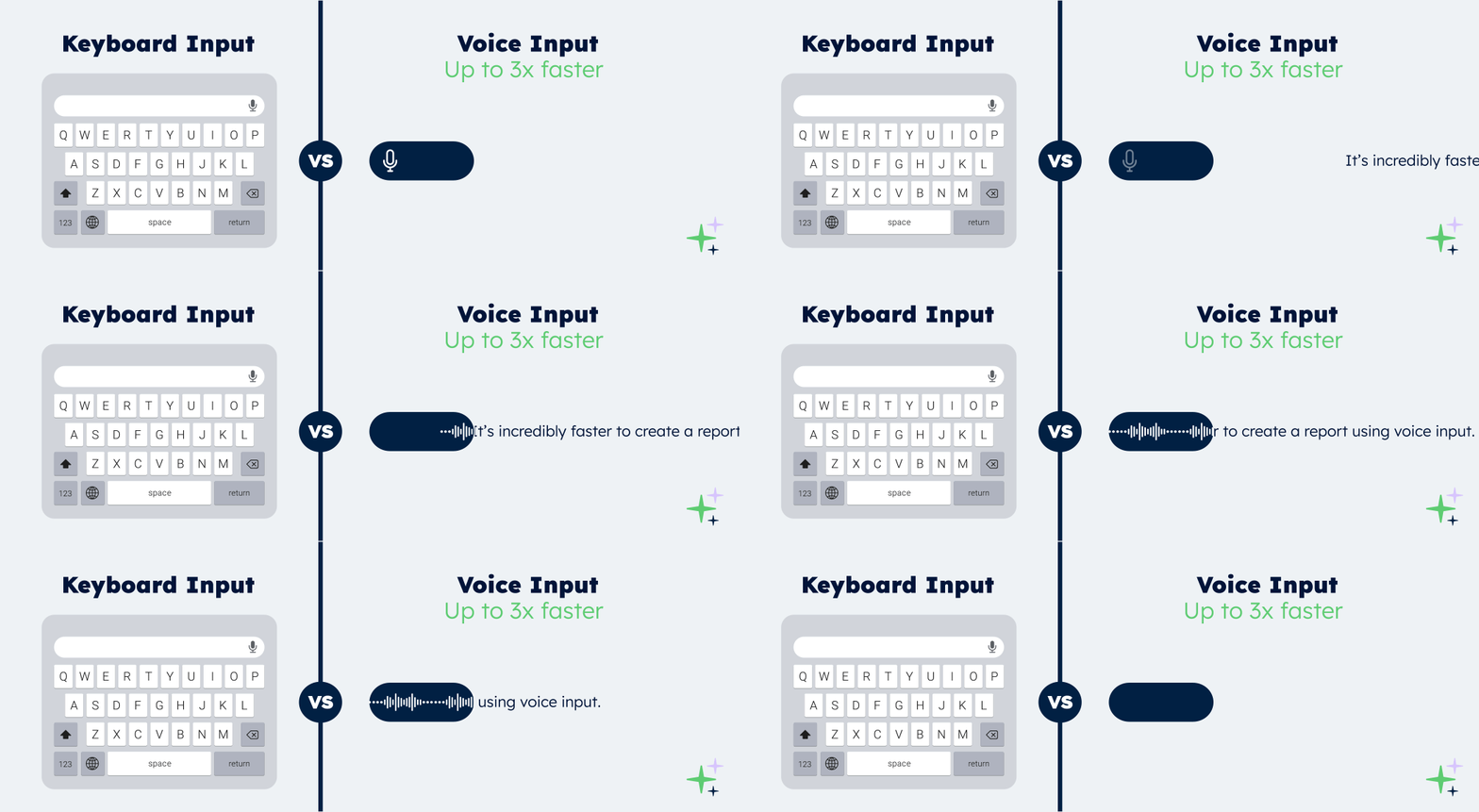
Speak, and it’s done!
With AI voice input, simply speak and your forms complete themselves automatically.
-
Fast: your forms are filled in 3× faster than typing.
-
Smart: AI understands accents, industry jargon and foreign languages.
-
Reliable: every field completed — no errors, no retyping.
Your reports in a jiffy
Automatically transform every submitted form into a clear, complete report — with no re-entry or manual formatting required:
-
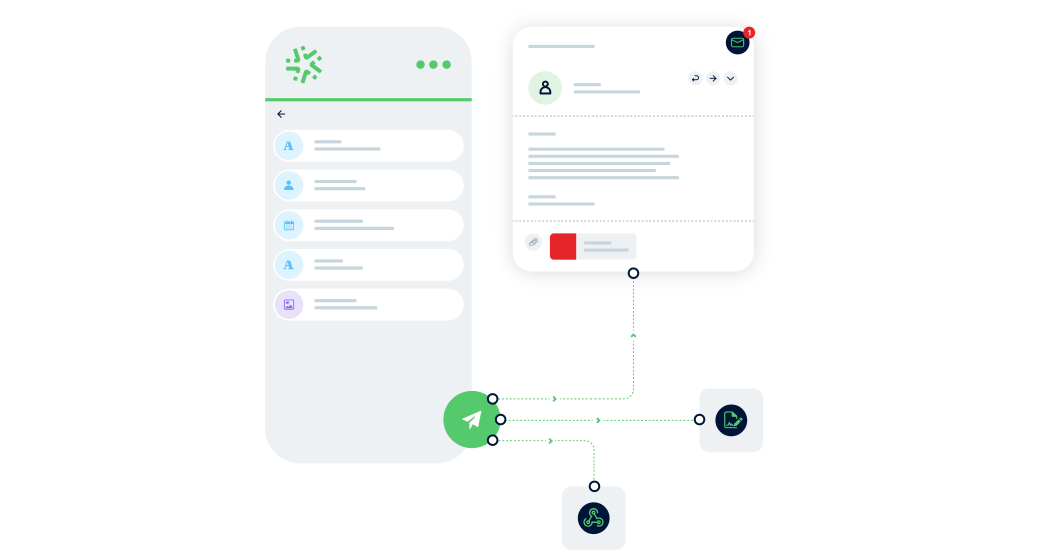
Save time: one submitted form = one generated report in PDF, Word, or Excel.
-
Advanced customisation: add your logo, headers, and layouts to match your visual identity.
-
Make your data shine: generate precise, impactful reports and share them instantly with the right people.

Manage your data in real time
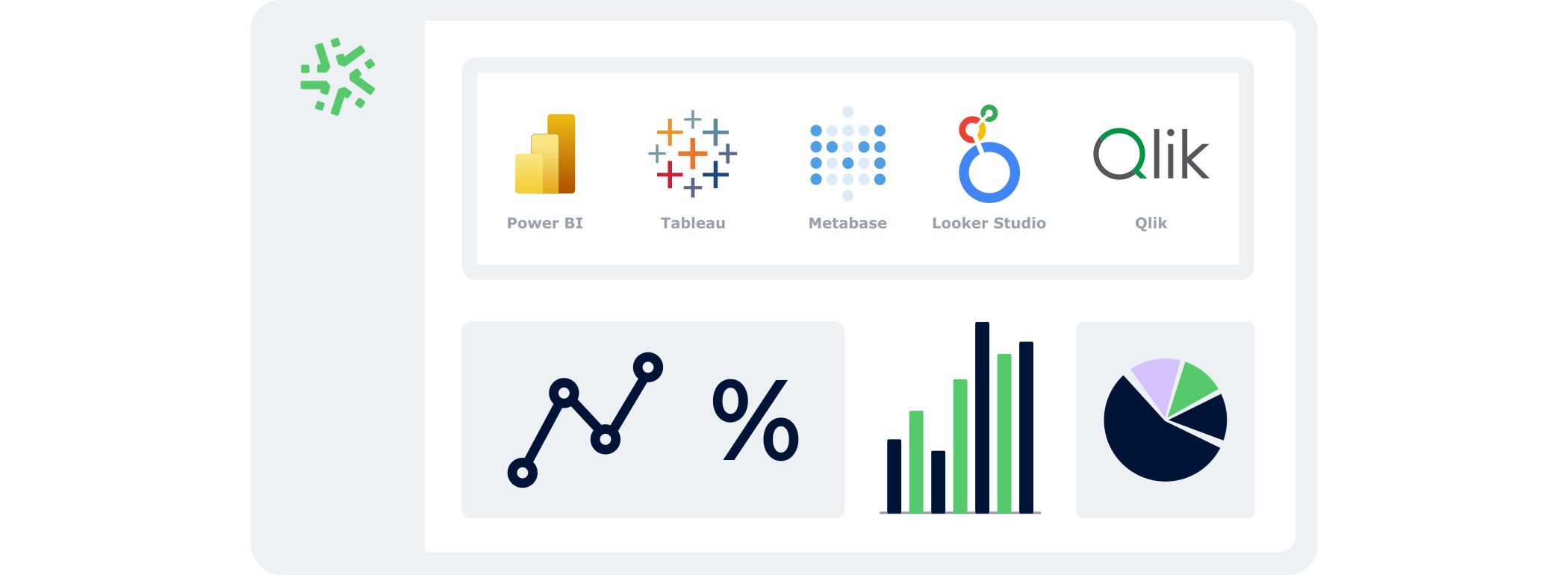
With the BI Connector, your field data automatically feeds your dashboards:
- Automatic: your KPIs update continuously, with no CSV files or manual handling.
- Accurate: you analyse reliable, structured data that is always aligned with field reality.
- Flexible: connect the BI tool of your choice and select only the data that matters.
Connect Kizeo Forms to 200+ apps without knowing how to code
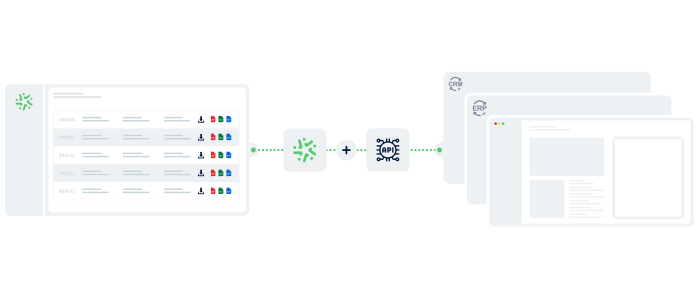
Link Kizeo Forms to 200+ applications in just a few clicks and let your data flow automatically:
-
Automate: your actions, updates and notifications trigger themselves.
-
Connect: your data moves freely between Kizeo Forms and 200+ tools.
-
Accelerate: your processes gain speed and efficiency.

Connect Kizeo Forms to Your Tools in One Click
Kizeo Forms integrates seamlessly with your existing software to streamline your processes:
- Multiple integrations: connect with Dropbox, DocuSign, Trackdéchets, Zapier, Make and many more!
- Time savings: automate your data flows, eliminate manual re-entries, and focus on what truly matters.
- Ease of use: link your tools in just a few clicks thanks to our REST API.
Work anywhere, even without a network
Collect data offline, even in areas without internet:
- No interruptions : entry continues seamlessly, even without a connection.
- Protected data : everything is securely saved locally.
- Auto-sync : your information uploads automatically as soon as the device reconnects.

Create forms that adapt to your business
Transform your paper forms into 100% personalised digital versions:
-
Add 25+ fields: photos, signatures, geolocation, tables, automated calculations, and more.
-
Customise every element: business rules, required fields, display conditions, and more.
-
Speed up your creation with AI and a library of 50+ ready-to-use templates.