



How does the AI Assistant work?
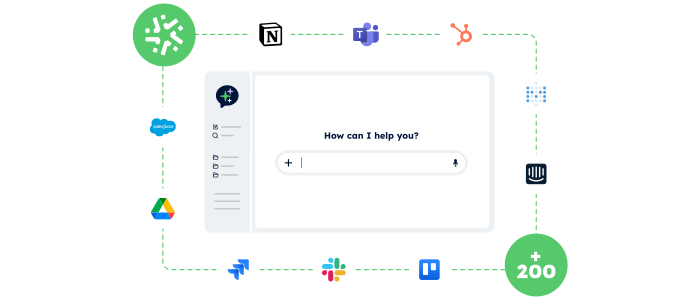
Connect Kizeo Forms and your tools to your AI assistant
From our Web Interface, add up to 200+ everyday applications: Kizeo Forms, CRM, ERP, email, Drive…
Connections are quick and require no specific development.
Chat with your AI assistant
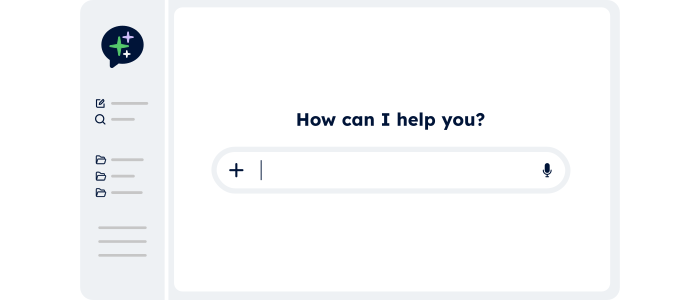
From Gemini, Claude or any compatible AI assistant, ask your questions or give instructions in natural language.
You no longer need to open each tool: everything happens through the conversation.
The AI reads your data and performs actions
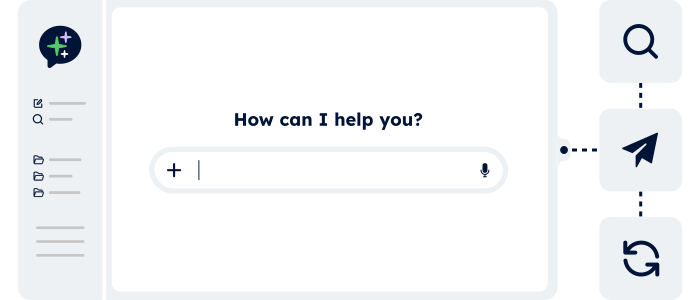
The AI Assistant retrieves the requested information and triggers the actions in your applications: updates, creation, export, sending, scheduling…
Your tasks are completed automatically in just a few seconds.
Sectors
Our AI Assistant at the heart of every profession 🚀
Whatever your role, the AI Assistant lets you query your data and trigger actions from a simple chat — without opening your tools.
Construction

“Can you identify overdue interventions in Kizeo Forms and open a ticket for each one?”
The AI Assistant reads Kizeo Forms data and automatically creates the associated tickets.
Human Resources

“List pending leave requests and notify the managers for approval.”
The AI Assistant retrieves the data, contacts each manager by email and notifies teams on Slack — with no manual action required.
Support & Customer Service

“Find the customer file for Martin SA in the CRM, update the phone number and add the note ‘call confirmed’.”
The AI Assistant locates the customer file, updates the details and records the note, all within seconds.
Finance & Administration

“Aggregate this month’s expense reports, export a CSV file for accounting and upload it to SharePoint.”
The AI Assistant collects and consolidates the data, generates the file and uploads it to the shared space.
Sales & Customer Success

“Retrieve this week’s sales visits, update the CRM and send the report.”
The AI Assistant automatically updates each visit in the CRM, generates a consolidated report and sends it by email.
Management & Leadership

“Give me a summary of overdue interventions this week.”
The AI Assistant analyses the data and provides a clear overview to support quick decision-making.
Advantages
Work faster with our connected AI Assistant
The AI Assistant transforms the way you work with Kizeo Forms and your business applications.
A simple conversation is all it takes to access data, trigger actions and automate tasks — without switching tools or multiplying steps.

Access your data from a single entry point
No more navigating across multiple tools. Query Kizeo Forms and your business apps through a simple AI chat.

Perform actions effortlessly
Create tickets, update a CRM, send an email…
The AI Assistant doesn’t just reply, it performs the tasks for you.

Save valuable time
All your requests happen through one AI chat.
The Assistant reads your data and executes your actions instantly, without making you change tools.

Go even further with the BI Connector
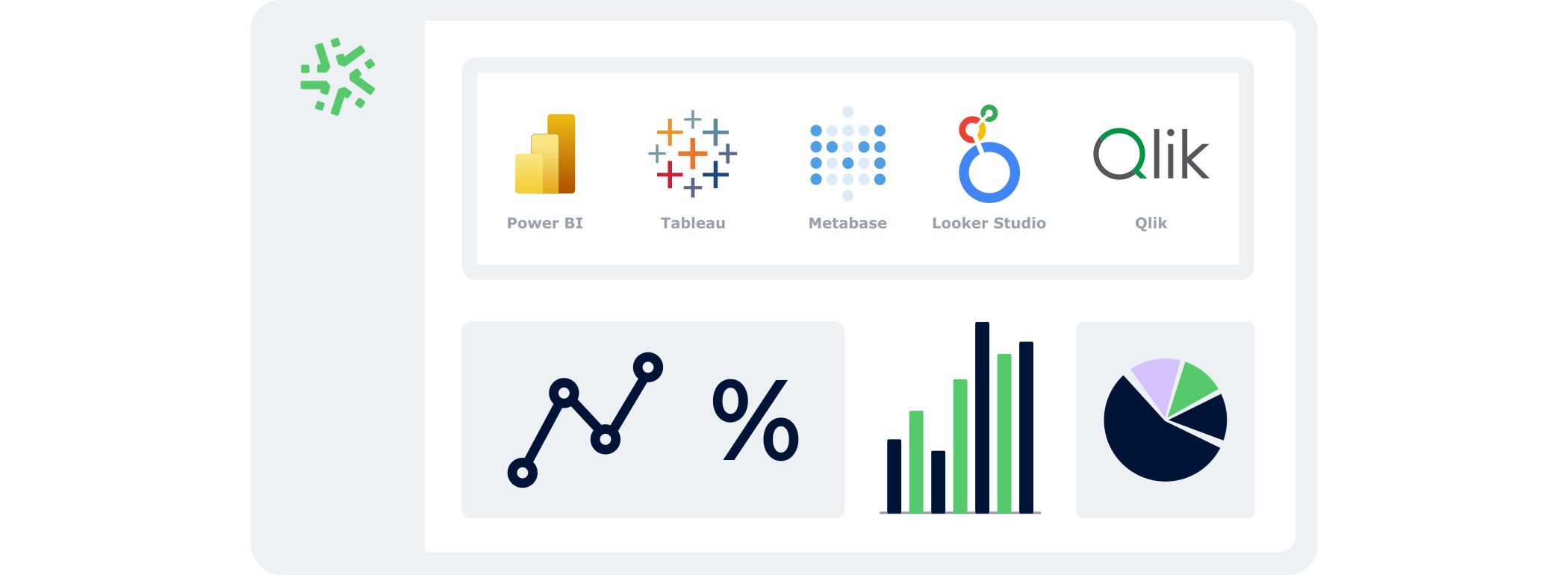
Combine the AI Assistant with the BI Connector to turn your conversations into data-driven decision-making.
Query your indicators, analyse performance and feed your BI dashboards automatically — without exports or manual manipulation.
From a simple AI chat, you go from question to decision, with always up-to-date data.
4,500+ companies trust Kizeo Forms
4,500+ companies trust Kizeo Forms







Everything you need to know about the Kizeo Forms AI Assistant
What is the Kizeo Forms AI Assistant?
The AI Assistant allows you to interact with Kizeo Forms and your business tools through a simple AI chat using natural language.
You can read information, search data and execute actions without opening each application.
What is the AI Assistant used for?
The AI Assistant centralises access to your data and actions.
From one conversation, you can consult interventions, update a CRM, send emails, create tickets or generate documents.
Which AI assistants are compatible?
The AI Assistant is compatible with several major AI tools, including:
- Claude (Anthropic) – paid version
- Le Chat (Mistral AI) – beta version
The list of compatible assistants will continue to evolve.
Do I need to open Kizeo Forms or my tools to use the AI Assistant?
No. Once connected, you interact directly from your AI chat.
The Assistant reads your data and triggers actions even if Kizeo Forms or your applications are not open.
What can the AI Assistant actually do?
The AI Assistant can:
- read and search data in Kizeo Forms
- summarise information
- create or update items (tickets, CRM records, documents…)
- send emails or notifications
- trigger workflows in your business tools
Does the AI Assistant replace my current tools?
No. The AI Assistant doesn’t replace your tools — it acts as a conversational layer on top of Kizeo Forms and your existing applications to simplify how you use them.
Do I need technical skills to use the AI Assistant?
No. You use it in natural language, like any normal conversation.
The initial setup is simple and requires no development.
Who can configure and use the AI Assistant?
Configuration of the MCP Server is reserved for administrators.
Each administrator only sees their own configuration and cannot access that of others.
Is the AI Assistant an evolving feature?
Yes. The AI Assistant is part of Kizeo Forms’ innovation roadmap.
New compatibilities and capabilities are regularly added.
Can I try the AI Assistant?
Yes! By signing up for our 15-day free trial, you get access to the AI Assistant and all other features — with no commitment and no credit card required.
Explore all our other features 🚀

AI form builder

AI-assisted data entry

Multi-app integration

Task automation

BI connector

Automated reports

API

Custom forms

Offline data collection
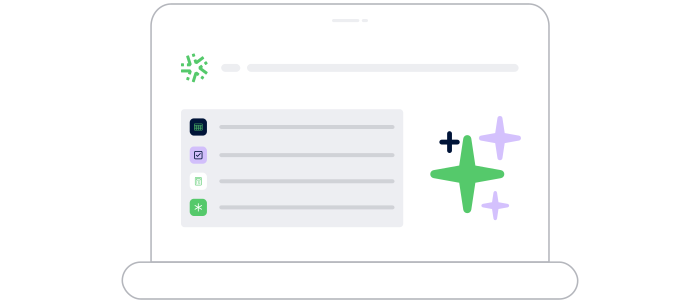
Generate forms in 15 seconds with AI
Designing a professional form has never been easier: describe your need and our AI instantly creates
a complete, ready-to-use form in 15 seconds :
-
Fast : your forms are generated in seconds.
-
Versatile : convert your PDFs into digital forms and translate them.
-
Flexible : customise every detail for a form 100% tailored to your business.
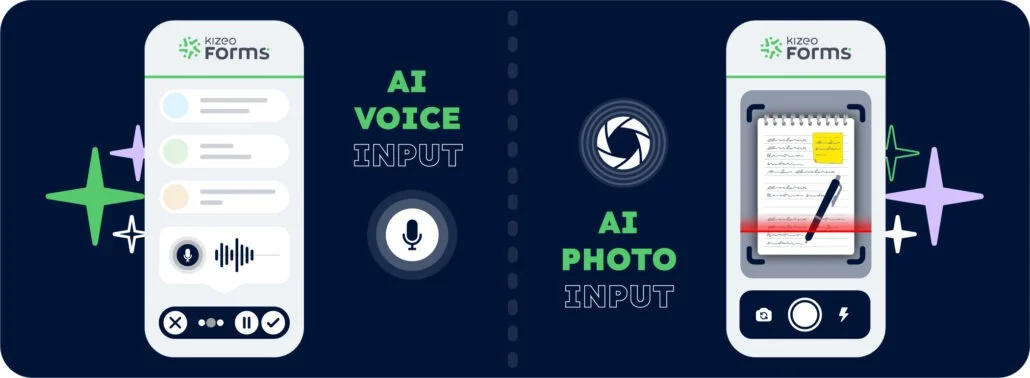
Speak. Take a photo. AI fills it in.
With AI-assisted data entry , simply speak or take a photo and your forms are completed automatically.
-
Fast : dramatically reduce the time spent entering data for each form.
-
Intelligent : AI understands accents, foreign languages, and reads your documents.
-
Reliable : accurate data, with no errors and no re-entry.
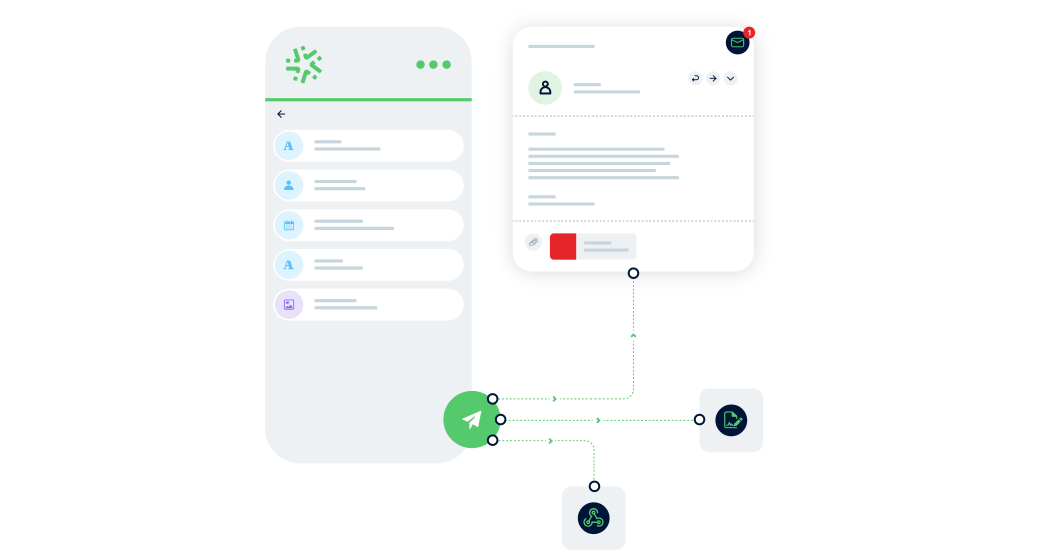
Connect Kizeo Forms to 200+ apps without knowing how to code
Link Kizeo Forms to 200+ applications in just a few clicks and let your data flow automatically:
-
Automate: your actions, updates and notifications trigger themselves.
-
Connect: your data moves freely between Kizeo Forms and 200+ tools.
-
Accelerate: your processes gain speed and efficiency.

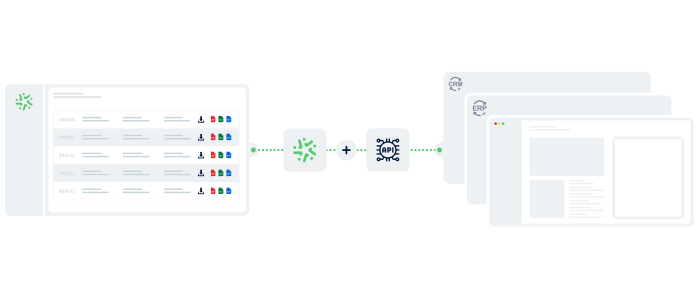
Manage your data in real time
With the BI Connector, your field data automatically feeds your dashboards:
- Automatic: your KPIs update continuously, with no CSV files or manual handling.
- Accurate: you analyse reliable, structured data that is always aligned with field reality.
- Flexible: connect the BI tool of your choice and select only the data that matters.
Your reports in a jiffy
Automatically transform every submitted form into a clear, complete report — with no re-entry or manual formatting required:
- Save time: one submitted form = one generated report in PDF, Word, or Excel.
- Advanced customisation: add your logo, headers, and layouts to match your visual identity.
- Make your data shine: generate precise, impactful reports and share them instantly with the right people.

Connect Kizeo Forms to Your Tools in One Click
Kizeo Forms integrates seamlessly with your existing software to streamline your processes:
- Multiple integrations: connect with Dropbox, DocuSign, Trackdéchets, Zapier, Make and many more!
- Time savings: automate your data flows, eliminate manual re-entries, and focus on what truly matters.
- Ease of use: link your tools in just a few clicks thanks to our REST API.
Create forms that adapt to your business
Transform your paper forms into 100% personalised digital versions:
-
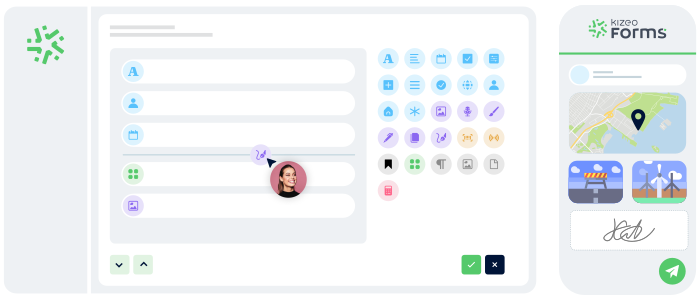
Add 25+ fields: photos, signatures, geolocation, tables, automated calculations, and more.
-
Customise every element: business rules, required fields, display conditions, and more.
-
Speed up your creation with AI and a library of 50+ ready-to-use templates.
Work anywhere, even without a network
Collect data offline, even in areas without internet:
- No interruptions : entry continues seamlessly, even without a connection.
- Protected data : everything is securely saved locally.
- Auto-sync : your information uploads automatically as soon as the device reconnects.