



Equipment inspection form: check plant, power tools and machinery from one checklist
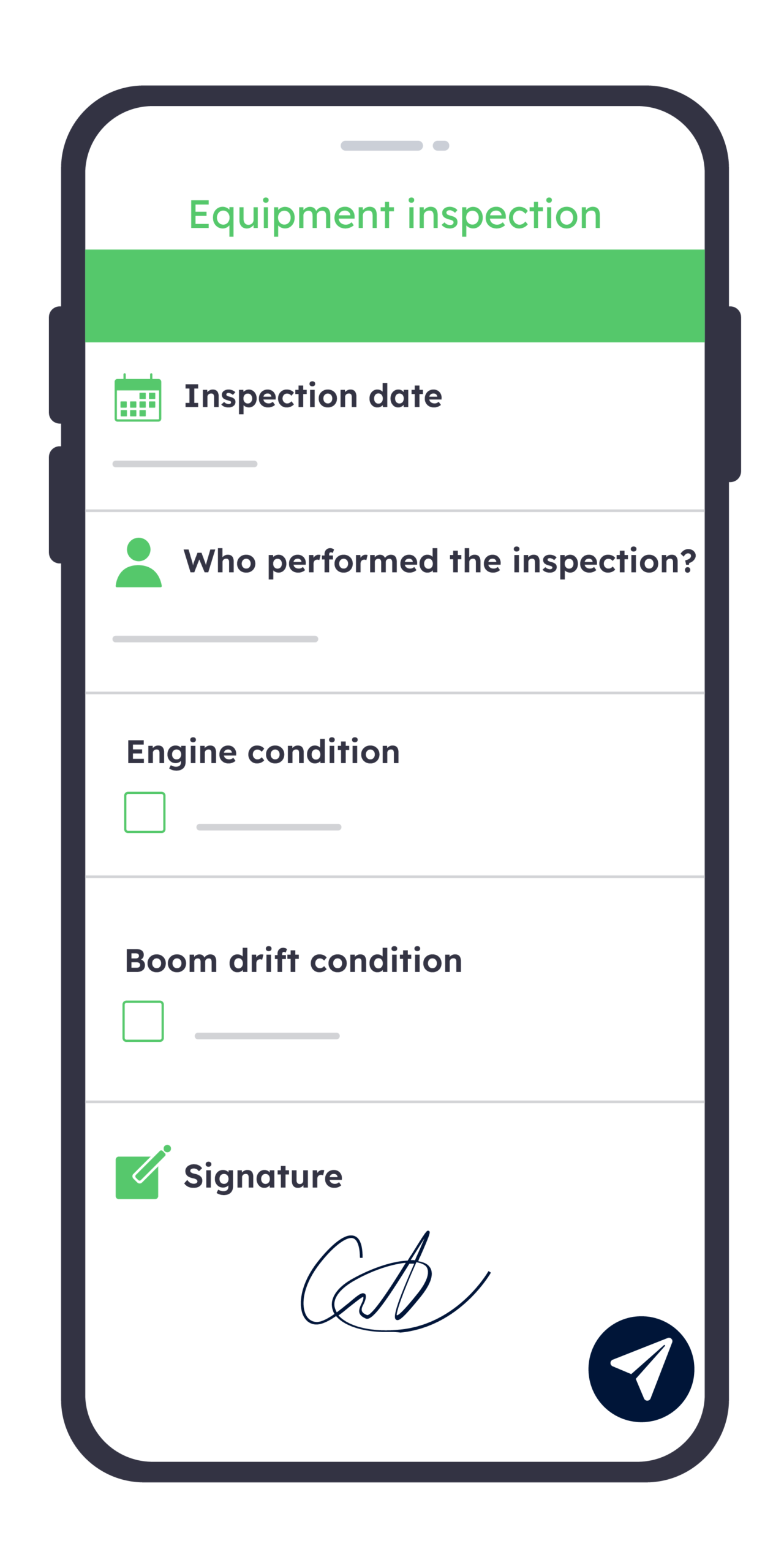
Swap paper check sheets for your phone: run pre-use checks on plant, power tools and machinery, photograph every defect and tag faulty equipment ‘out of use’ on the spot. Each signed inspection goes into one equipment register, with the next due date.
Try it free for 15 days
Free trial
Advantages
Every item checked, every defect on record
This equipment inspection form covers the work equipment your teams use every day, from plant and power tools to workshop machinery and portable electrical equipment. Lifting equipment, ladders and harnesses, and equipment used in explosive atmospheres have their own inspection rules: use our LOLER inspection checklist, ladder inspection checklist or ATEX inspection checklist for them.
Without Kizeo Forms
- Paper check sheets lost in the van
- Defects mentioned verbally, then forgotten
- Faulty drill back on the shelf
- Hired plant arrives with no paperwork
- One spreadsheet per site, never updated
- Due dates kept in someone’s head
With Kizeo Forms
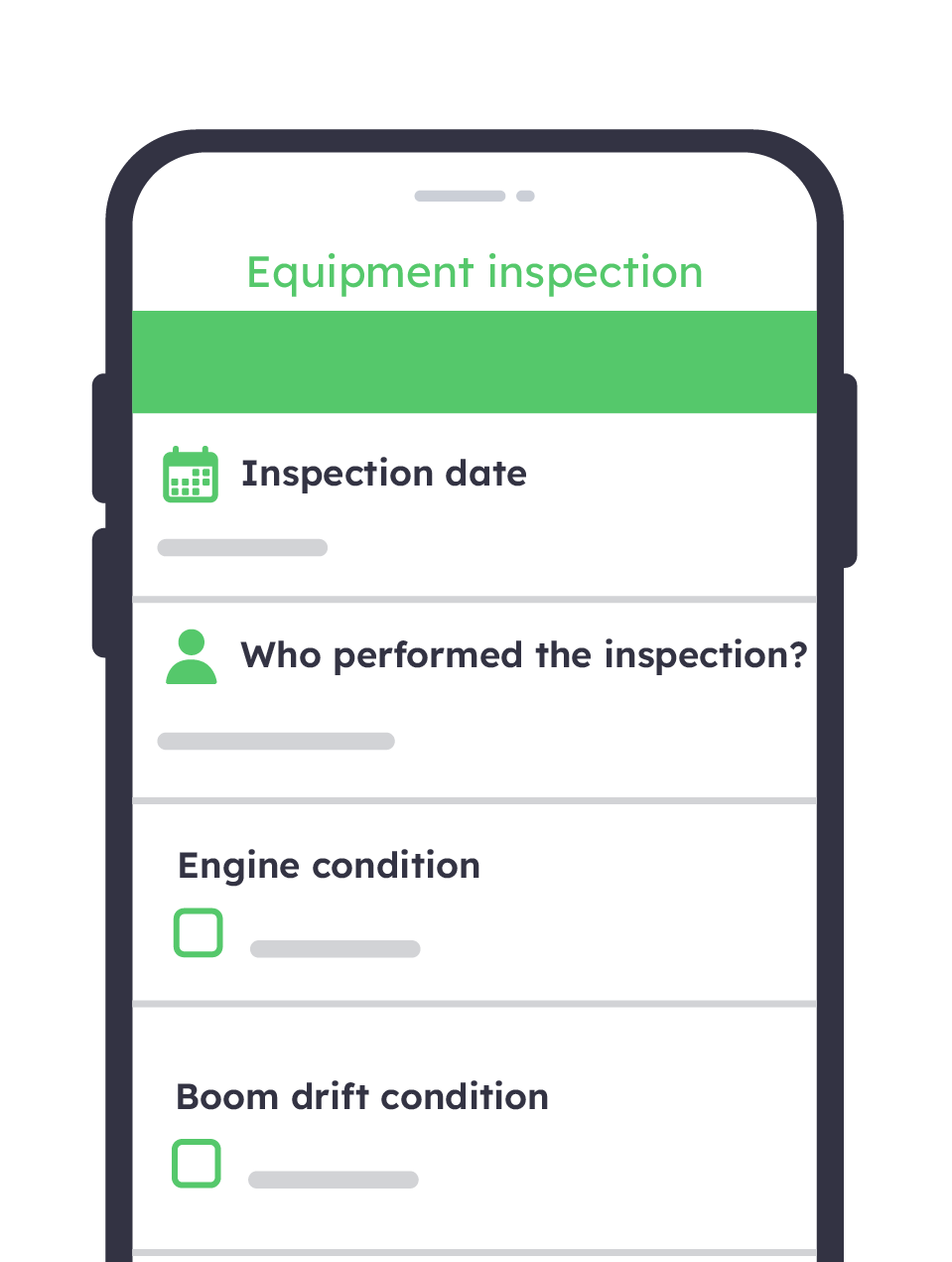
- Pre-use checks completed on the phone
- Defect photographed and reported on the spot
- Failed item tagged “Do not use” instantly
- Last inspection evidence checked on arrival
- One equipment register across every site
- Next inspection date shown per item
Check every item before use
Plant, power tools, generators and workshop machines each get the right pre-use checks, from cables and casings to tyres and fluid levels. A quick check at the start of the shift catches most defects before anyone starts work.

Stop faulty equipment being used
A failed check records the item as “Do not use”, with a photo and its location. Nobody can use it again until a repair and a new inspection are logged.

Apply the right rules to each item
Most equipment falls under PUWER, but lifting equipment, pressure systems and ladders have their own inspection duties. Classify each item in your register so the right checks follow it, with the reference of its last thorough examination.

Check hired plant on and off hire
Record the condition of hired plant when it arrives and when it goes back, with photos and the hire company’s inspection evidence. Damage disputes are settled with a dated record, not from memory.

How does it work?
Start from our equipment inspection template
Pick the equipment inspection template in the Kizeo Forms library and add your equipment types, sites and checks in a few clicks. Already use a paper checklist? Import it and the AI turns it into a mobile form in seconds.

Select the item and run the pre-use checks
The operator picks the item from your equipment register or scans its QR label, and its ID, type and location are filled in automatically. They answer each check and photograph anything that fails.

Tag defects out of use and alert maintenance
A failed check marks the item “Do not use” and emails the person in charge with the photo, the item ID and where it is. It stays out of use until a repair and a new check are logged.

File each equipment inspection report
Every signed inspection becomes a PDF report filed in the item’s history. Export the register to Excel to see which items failed, which are out of use and which are due for inspection.

A solution for all departments
Equipment inspection software designed to check, report and track every item
Excavators on a building site, power tools in a van or lathes in a workshop: one equipment inspection form covers all the work equipment your teams use. Every check adds to the same register, item by item, across all your sites.
25+ custom field types

List every tool in a van or every machine in a workshop: each row repeats the same checks, so one inspection covers the whole set.

Capture the frayed cable, cracked casing or leaking hose as you find it, so whoever repairs the item knows exactly what to fix.

Tick each check as you go, from guards and cables to tyres and fluid levels, so nothing on the list is skipped.
Key features

Ask which machines failed most often this quarter or which sites have the most open defects, and get the answer from your inspection data in seconds.

Inspect plant on remote sites, tools in a basement plant room or machines in a steel-framed workshop with no signal. Every check syncs once you are back online.

Send every failed check to your maintenance software as a work order, with 250+ apps connected and no retyping.

Try out our equipment inspection template
Start from the ready-made equipment inspection template in the Kizeo Forms library, then adapt each check to your plant, tools and machines in a few clicks.
- Equipment details: item ID, type, location, owner or hire company, and the date of the last inspection.
- Pre-use checks by type of equipment: cables and casings on power tools, guards and controls on machines, tyres, lights and fluid levels on mobile plant, for a tool inspection checklist your team actually uses.
- Portable electrical equipment: user checks and formal visual inspections, the basis of any PAT testing checklist.
- Defects and ‘out of use’ decision: a photo of each defect, its severity and whether the item is tagged “Do not use”.
- Result and sign-off: safe to use or not, the next inspection date and the inspector’s signature.
Testimonials

One of the results of working with Kizeo Forms is that we are more accurate than in the past. You can easily drag and drop the fields, you can change properties, you can add all kinds of fields. It is very simple!

Huug van Vossen
Reliability Engineer at Actemium

Balfour Beatty VINCI relies on Kizeo Forms for health and safety observations, enabling efficient information sharing with other departments to drive improvements and ensure best practices.

Lenka Vosvrdova
Site Construction Agent at Balfour Beatty VINCI

Kizeo Forms has been instrumental in reducing paper use and eliminating manual data entry, greatly simplifying our processes. The ease of implementation and the application’s useful table feature perfectly align with our needs.

Mathilde Morin
Quality and SERE Manager at Schneider Electric
From inspection to repair: digitise every equipment record
View all our templatesLOLER inspection checklist

Ensure that tools and equipment are in good working condition
Ensuring that activities comply with relevant laws and regulations
Keeping track of the condition and availability of equipment
Sectors
-
Agriculture

-
Construction
-
Manufacturing
-
Real estate
-
Safety


PUWER inspection checklist
Ensure regulatory compliance
Ensure that tools and equipment are in good working condition
Equipment rental checks
Keeping track of the condition and availability of equipment
Sectors
-
Agriculture
-
Construction
-
Healthcare
-
Hospitality
-
Manufacturing
-
Pest control
-
Real estate
-
Safety


Ladder inspection checklist
Ensure that tools and equipment are in good working condition
Ensuring fall protection measures
Equipment rental checks
Safety and Health Compliance
Sectors
-
Agriculture
-
Construction
-
Healthcare
-
Hospitality
-
Manufacturing
-
Pest control
-
Real estate
-
Safety
Everything you need to know about the Equipment Inspection Form
What is an equipment inspection form, and what does it cover?
An equipment inspection form records whether a piece of work equipment is safe to use: who checked it, when, what was checked, any defect found and the decision taken. It usually covers three levels of check:
- Pre-use check: a quick visual and functional check by the user before work starts, such as the cable of a power tool or the brakes, lights and tyres of mobile plant.
- Inspection: a more thorough check by a competent person at intervals set by your risk assessment, recorded and kept.
- Thorough examination: a detailed examination required by specific regulations, such as LOLER for lifting equipment or the Pressure Systems Safety Regulations 2000, carried out by a competent person who issues a report.
Our equipment inspection form handles the first two for plant, power tools, machinery and portable electrical equipment, and keeps the reference of each thorough examination report.
Which regulations apply to equipment inspections in the UK?
- PUWER 1998: all work equipment, from hand tools to machinery. Regulation 6 requires an inspection by a competent person where safety depends on how equipment is installed, where it deteriorates, and after exceptional circumstances.
- LOLER 1998: lifting equipment and lifting accessories, with a thorough examination at least every 6 or 12 months, or under an examination scheme.
- Work at Height Regulations 2005: ladders, working platforms and fall protection equipment such as harnesses.
- Pressure Systems Safety Regulations 2000: compressors, air receivers and steam systems, examined under a written scheme of examination.
- Electricity at Work Regulations 1989: electrical equipment maintained, so far as is reasonably practicable, to prevent danger.
- DSEAR 2002: equipment used where explosive atmospheres may occur.
PUWER’s inspection duty does not apply to lifting equipment, to equipment covered by regulation 12 of the Work at Height Regulations or to power presses, which have their own rules. These regulations apply in Great Britain; Northern Ireland has its own equivalents.
How often should equipment be inspected? Do you need a daily equipment inspection checklist?
PUWER sets no fixed interval: your risk assessment decides, based on the manufacturer’s recommendations, industry advice and your own experience. HSE gives examples:
- quick checks before use, such as the brakes and lights of mobile plant or the cable of a hand-held power tool;
- weekly checks, such as guards, safety devices and tyre pressures on mobile plant;
- more extensive inspections every few months or longer.
A daily equipment inspection checklist suits equipment used every day in harsh conditions, such as plant on a building site. Intervals can be extended if the inspection history shows little deterioration, or shortened if defects keep appearing. Specific regimes, such as LOLER, set their own maximum intervals.
Who can carry out an equipment inspection?
- Pre-use checks: the trained user of the equipment.
- Inspections: anyone with enough knowledge and experience of the equipment, often a member of your own team, according to HSE. The person who decides what the inspection covers must also be competent.
- Thorough examinations under LOLER or the Pressure Systems Safety Regulations: a competent person who is independent enough to make objective decisions, often from an insurer or a specialist inspection body.
- Portable electrical equipment: in many low-risk workplaces, a sensible member of staff can carry out visual inspections; combined inspection and testing needs more knowledge and the right test equipment.
What should an equipment inspection checklist include?
- the item’s details: ID, type, serial number, location, and whether it is owned or hired;
- the date of the last inspection and the next one due;
- checks suited to the type of equipment: guards and controls on machines, cables, plugs and casings on power tools, tyres, lights, fluid levels and seat belts on mobile plant;
- any defect, with a photo and its severity;
- the decision: safe to use, or taken out of use until repaired;
- the reference of any thorough examination report, for lifting equipment or pressure systems;
- the inspector’s name and signature, with the date.
HSE advises focusing on the safety-related parts of each item rather than a long tick list that invites a superficial approach.
Do equipment inspections have to be recorded, and for how long?
- PUWER: the result of each inspection must be recorded and kept until the next inspection is recorded (regulation 6(3)). HSE accepts electronic records, provided they are held securely and are available to inspectors on request.
- Pre-use checks: the simplest ones do not normally need recording, although a record helps show they are done.
- Equipment changing hands: equipment that leaves your business, or comes from another one, such as hired plant, must be accompanied by physical evidence of its last inspection (regulation 6(4)).
- LOLER: periodic thorough examination reports are kept until the next report, or for two years, whichever is later.
With Kizeo Forms, every inspection is saved with its date, time, location and signature, and can be found item by item.
Is PAT testing a legal requirement, and what should a PAT testing checklist include?
No law requires portable appliance testing every year. The Electricity at Work Regulations 1989 require electrical equipment that could cause injury to be maintained in a safe condition, without saying how or how often. HSE recommends a proportionate approach:
- user checks before use: damage to the cable, plug or casing, and signs of overheating such as burn marks;
- formal visual inspections at regular intervals, by a trained member of staff;
- combined inspection and testing (PAT) where some faults can only be found by testing, carried out by someone with the right knowledge and equipment.
How often depends on the type of equipment and where it is used: hand-held tools on a building site need checking far more often than a computer in an office. There is no legal duty to label equipment or keep PAT records, but a record is the easiest way to manage the routine.
Can I download a free equipment inspection form PDF?
Yes. Our free PDF includes an equipment register, pre-use checks for power tools, machinery and mobile plant, user checks and formal visual inspections for portable electrical equipment, defects and ‘out of use’ decisions, and a sign-off section with the next inspection dates. You can print it and use it as is.
When you are ready to stop filing paper sheets, start from the equipment inspection template in the Kizeo Forms library, or import the PDF: the AI turns it into a mobile form your team completes on site.
Can one equipment inspection form cover plant, tools and machines across all our sites?
Yes. Rather than creating one form per type of equipment:
- import your equipment register from Excel as an Advanced List, with each item’s ID, type, location and owner;
- the user scans the item’s QR label or picks it from the list, and its details display automatically;
- visibility conditions show only the checks for that type of item, for example the blade guard on a saw bench, the tyres and lights on a dumper or the cable on a drill;
- a table lets a supervisor inspect every tool in a van or a site store in one go.
When you add or retire equipment, update the list and every phone gets the new register.
How much does Kizeo Forms cost for equipment inspections?
Pricing is per user per month, for unlimited forms and inspections, not per form:
- Smart plan: from £15 per user per month (annual billing). It includes AI-generated forms, offline access, personalised reports and standard automations such as email alerts.
- Business plan: from £25 per user per month (annual billing). It adds the AI assistant, to query your inspection data, native integration with 250+ apps, to send defects to your maintenance software, and advanced reporting.
Try every feature free for 15 days, with no commitment and no credit card.