



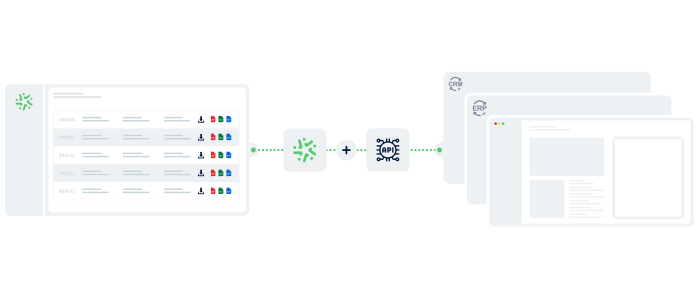
How does the Kizeo Forms API work?
Connect Your System to the Kizeo Forms API
Generate your API token and link Kizeo Forms to your internal tools (CRM, ERP, SQL database, business apps). The connection is simple, fast and compatible with all environments.
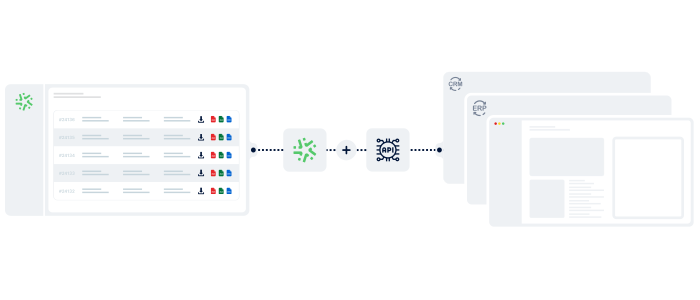
Retrieve, Send and Synchronise Your Data
Use the API to import, update or automatically extract your field data. No more re-entry or duplicates: your information circulates in real time between your applications.

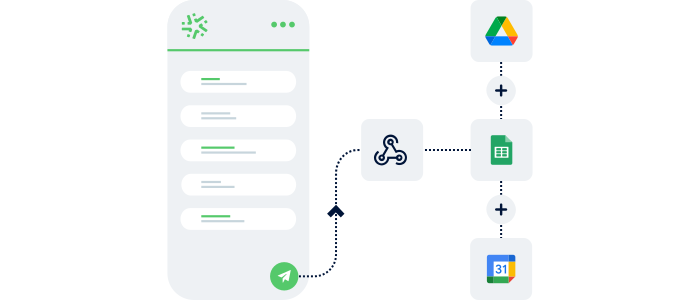
Automate Your Workflows
Trigger actions directly from your forms: ticket creation, customer updates, file uploads, data synchronisation… Your information system updates automatically, with no manual intervention.
Sectors
Our API at the Service of Your Field Operations 🚀
Connect Kizeo Forms to your business tools and automate your data flows. The API simplifies synchronisation, updating and utilisation of your information across all your internal systems.
Automatic Updating of Site Monitoring

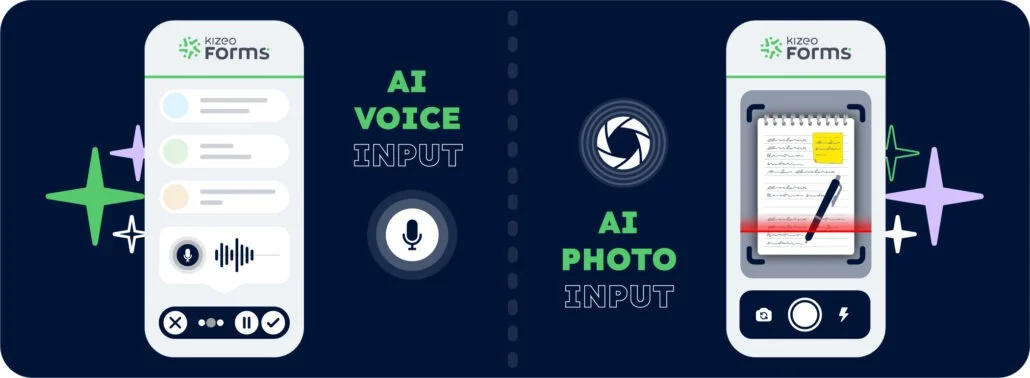
Take a photo of notes, a sketch, a post-it or an action list: our AI-powered text recognition automatically populates your form from the image.
Automated Corrective Action Management

After an audit, incident or safety check, the API automatically creates a corrective action, notifies the relevant managers or opens a ticket in Teams, Slack, Jira or Trello.
Direct Integration with Your CMMS

When a technician closes an intervention, the API automatically sends: time spent, parts replaced, readings, photos, anomalies… Your CMMS (Carl, Altair, Twimm) updates itself with no manual action.
Automatic Updating of Inventory Databases

During installations, fibre connections or interventions, field data (BOA, PTO, photos, optical measurements) is injected into your internal repositories. Your inventories remain up to date at all times.
Automatic Feeding of Technical Databases

Meters (gas/water/electricity), transformers, network cabinets… Each inspection or field measurement is automatically sent back to your business information system.
Synchronised Delivery and Fleet Tracking

Each vehicle check, route report or proof of delivery is automatically sent to your TMS or fleet management tool via the API.
Advantages
Connect Your Tools. Accelerate Your Business.
The Kizeo Forms API synchronises your field data with your business tools, eliminates double entry and ensures information that is always accurate, up to date and exploitable in real time.

Integrate Your Tools Seamlessly
Kizeo Forms connects easily to your existing workflows for smooth integration with your company systems.

Save Time Across Your Processes
Automate data retrieval, updating and transfer. No more manual exports or copy-and-paste.

Improve Data Reliability
Real-time synchronisation, guaranteed consistency, zero re-entry: reliable, complete information for your teams.

4,500+ Companies Trust Kizeo Forms
4,500+ Companies Trust Kizeo Forms







Everything You Need to Know About the Kizeo Forms API
What is the Kizeo Forms API for?
The Kizeo Forms API connects your account to your business software (CRM, ERP, BI, internal apps) and synchronises data in real time.
Do I need coding skills?
Using the API requires development skills and certain technical prerequisites.
Is Kizeo Forms compatible with my CRM/ERP?
Yes: Salesforce, Odoo, SAP, HubSpot, Dynamics, Sage, and most systems.
Can I automate workflows with Kizeo Forms?
Yes. Integrations with Zapier, Make, and our Business Plan multi-app integrator enable workflow automation without coding.
Are there additional fees to use the API?
No. API access is free with your subscription.
Is data exchanged via the API secure?
Yes — HTTPS, encrypted data, European hosting, full GDPR compliance.
Can I test the API for free?
Yes — enjoy full access during the 15-day free trial.
Explore All Our Other Features 🚀
Multi-app integration

BI connector

AI assistant

Automated reports

Task automation

AI form builder

AI-assisted data entry

Custom forms

Offline data collection
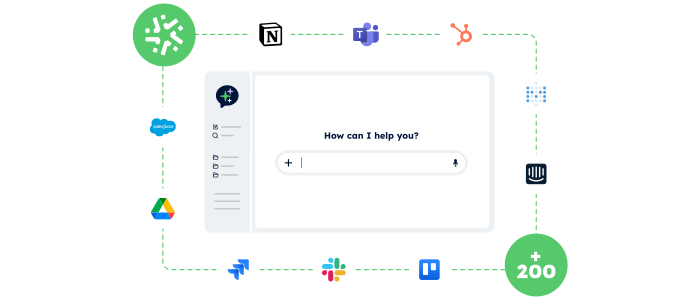
Connect Kizeo Forms to 200+ apps without knowing how to code
Link Kizeo Forms to 200+ applications in just a few clicks and let your data flow automatically:
-
Automate: your actions, updates and notifications trigger themselves.
-
Connect: your data moves freely between Kizeo Forms and 200+ tools.
-
Accelerate: your processes gain speed and efficiency.

Manage your data in real time
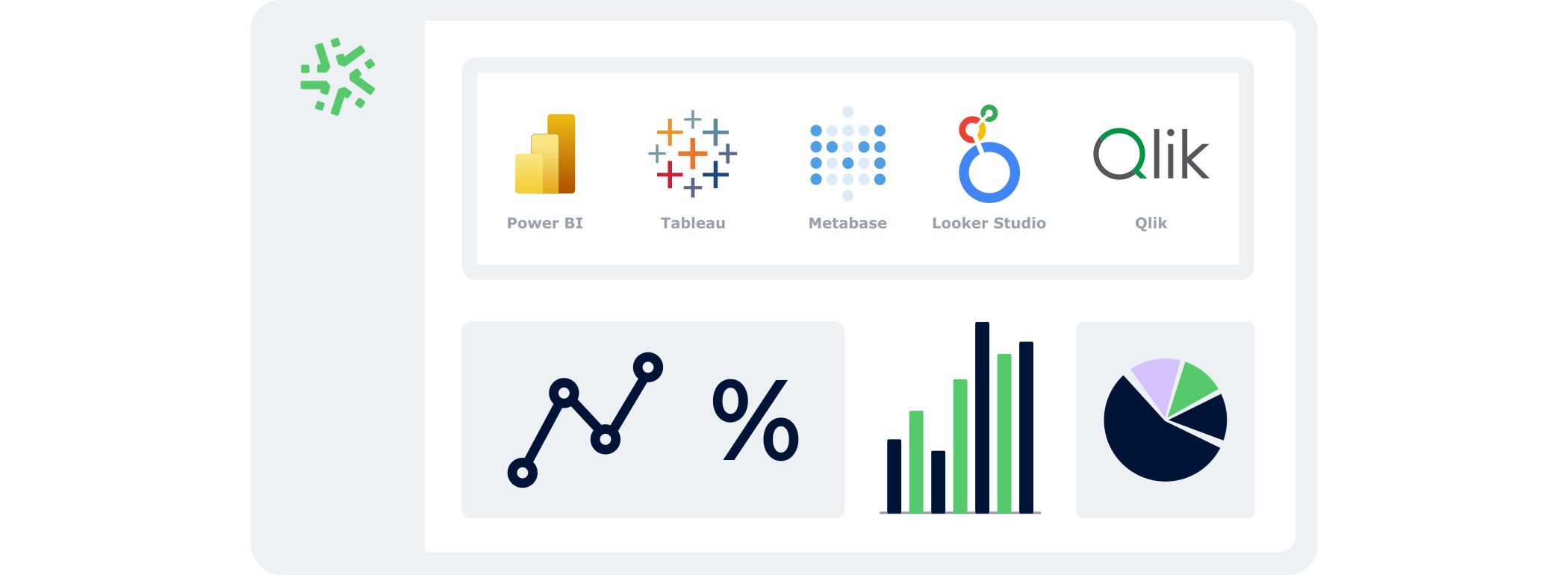
With the BI Connector, your field data automatically feeds your dashboards:
- Automatic: your KPIs update continuously, with no CSV files or manual handling.
- Accurate: you analyse reliable, structured data that is always aligned with field reality.
- Flexible: connect the BI tool of your choice and select only the data that matters.
Control your data and actions through an AI Chat
With the AI Assistant, no more switching endlessly between tools: simply chat in an AI interface that accesses your data and performs actions for you.
- Centralised:
One chat to access your Kizeo Forms data and all your business tools. - Actionable:
The AI Assistant doesn’t just answer — it executes the actions you request (updates, creation, sending, exporting…). - Fast:
Fewer clicks, fewer steps, and tasks completed in just seconds.
Your reports in a jiffy
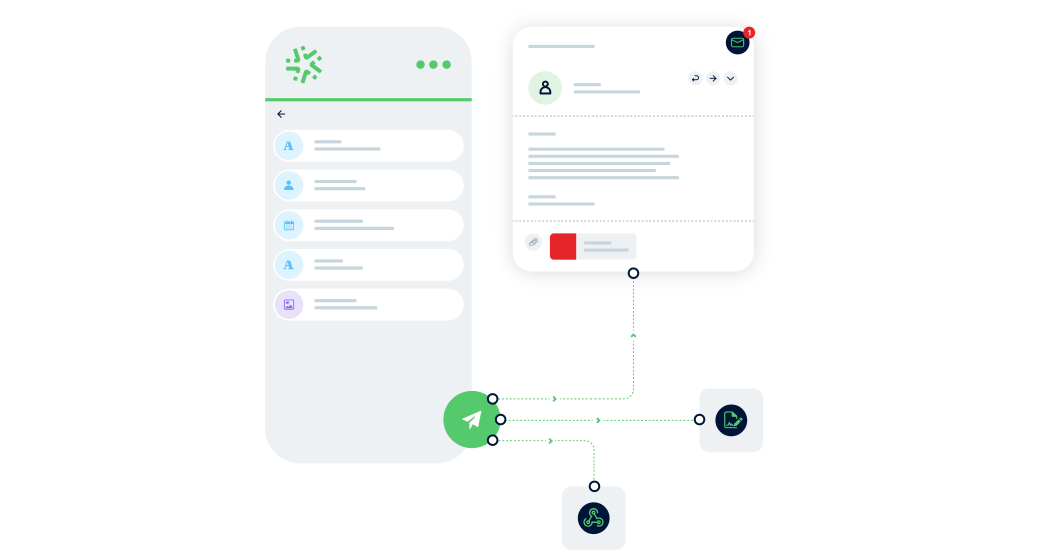
Automatically transform every submitted form into a clear, complete report — with no re-entry or manual formatting required:
- Save time: one submitted form = one generated report in PDF, Word, or Excel.
- Advanced customisation: add your logo, headers, and layouts to match your visual identity.
- Make your data shine: generate precise, impactful reports and share them instantly with the right people.

Generate forms in 15 seconds with AI
Designing a professional form has never been easier: describe your need and our AI instantly creates
a complete, ready-to-use form in 15 seconds :
-
Fast : your forms are generated in seconds.
-
Versatile : convert your PDFs into digital forms and translate them.
-
Flexible : customise every detail for a form 100% tailored to your business.

Speak. Take a photo. AI fills it in.
With AI-assisted data entry , simply speak or take a photo and your forms are completed automatically.
-
Fast : dramatically reduce the time spent entering data for each form.
-
Intelligent : AI understands accents, foreign languages, and reads your documents.
-
Reliable : accurate data, with no errors and no re-entry.
Create forms that adapt to your business
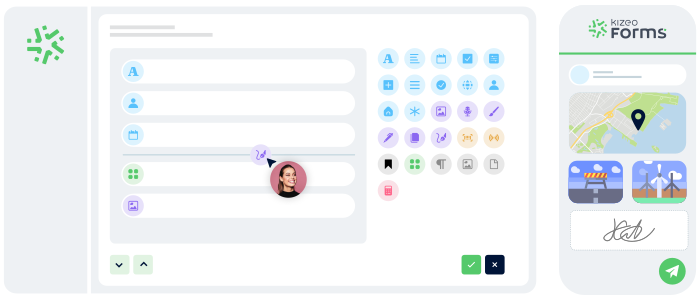
Transform your paper forms into 100% personalised digital versions:
-
Add 25+ fields: photos, signatures, geolocation, tables, automated calculations, and more.
-
Customise every element: business rules, required fields, display conditions, and more.
-
Speed up your creation with AI and a library of 50+ ready-to-use templates.
Work anywhere, even without a network
Collect data offline, even in areas without internet:
- No interruptions : entry continues seamlessly, even without a connection.
- Protected data : everything is securely saved locally.
- Auto-sync : your information uploads automatically as soon as the device reconnects.