




How does multi-app integration work?
Automation made accessible to everyone
Choose what you want to automate and build your scenario in just a few minutes: create a support ticket, update a customer, send a message, upload a report…
Your workflow is built visually, simply, and according to your own rules.
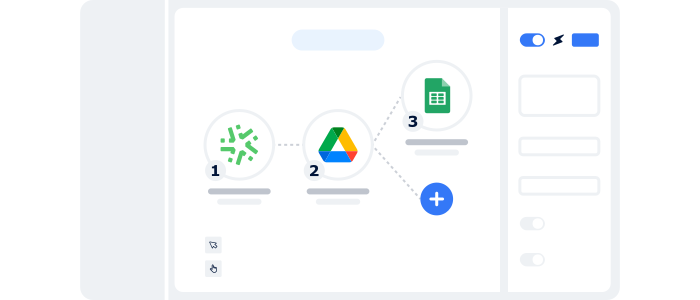
Your data moves automatically from the field to your business tools
Your data flows directly into your CRM, ERP, messaging system or collaborative spaces. More than 200 applications are available natively.
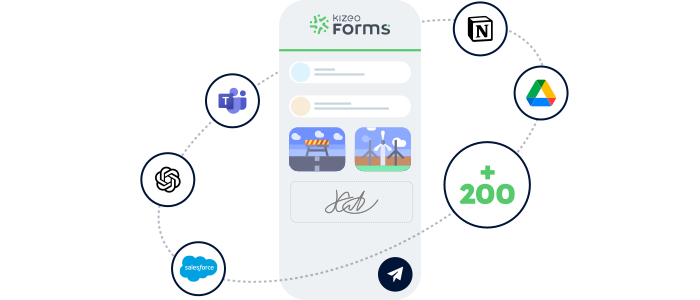
Sectors
A scenario for every need, simple or complex 🚀
Tailor each workflow to your field reality: trigger the right actions, at the right moment, in your business tools.
Intervention report

The technician submits the form. A support ticket is instantly created and an email is sent to the customer with the intervention summary.
Site inspection

After each site visit, the captured data triggers your workflows: creating corrective actions, updating schedules, saving the report to SharePoint/Drive, and instantly notifying the relevant teams.
Weekly timesheet

Manage weekly timesheets with Kizeo Forms: data is synced directly with your ERP and an alert is sent to the manager via your communication tool if discrepancies arise.
Safety report

The summary is immediately sent to participants, corrective actions are created in the QHSE tool, and deadlines are tracked automatically.
Home inspection

As soon as the inspection report is sent, the tenant’s record is updated in your CRM and a technician visit is automatically scheduled in case of anomalies.
Holiday request

The request is recorded in the system, a notification is sent to the manager, and the requester’s calendar is updated automatically.
Advantages
Automate and eliminate repetitive tasks
Transform the way you manage data and boost productivity like never before! Automate data updates instantly across all your tools and build custom scenarios.

Zero manual tasks
No more copy-paste, no more re-entry: your data flows automatically according to the scenarios you’ve defined.

Complete traceability
Everything is automated—no more errors or forgotten steps. You can see at any moment whether your automations have run correctly.

Ease of use
Integrations in minutes. No development. Everything is native to Kizeo Forms.

4,500+ organisations trust Kizeo Forms
4,500+ organisations trust Kizeo Forms







FAQ – Everything you need to know about multi-app integration
What exactly is multi-app integration?
It’s a feature that connects Kizeo Forms to your business software (CRM, ERP, planning, storage, messaging…) and automates the tasks you used to handle manually: sending a report, updating a customer, creating a ticket, uploading a file, etc.
Can I test the integrations for free?
Yes! You can try Kizeo Forms for free for 15 days and explore all its features.
Do I need to know how to code?
No. Everything is handled in just a few clicks directly inside Kizeo Forms. No coding, no scripts, no technical setup.
How long does it take to create an automation?
Between 2 and 5 minutes in most cases.
Everything is designed for operational teams—no IT department required.
You’ll also find ready-to-use scenarios to save even more time.
What is the impact on data security?
Data exchanges between Kizeo Forms and your tools are secure and meet current standards.
You fully control what is sent, where, and when.
Who is this feature for?
For any teams looking to eliminate re-entry and save time:
Maintenance, QHSE, construction, logistics, HR, support, management, field managers…
Do I need to know how to code?
No. Everything is managed in a few clicks, directly within Kizeo Forms. No coding at all.
Explore all our other features 🚀

BI connector

AI assistant

API

Automated reports

Task automation

AI form builder

AI-assisted data entry

Custom forms

Offline data collection
Manage your data in real time
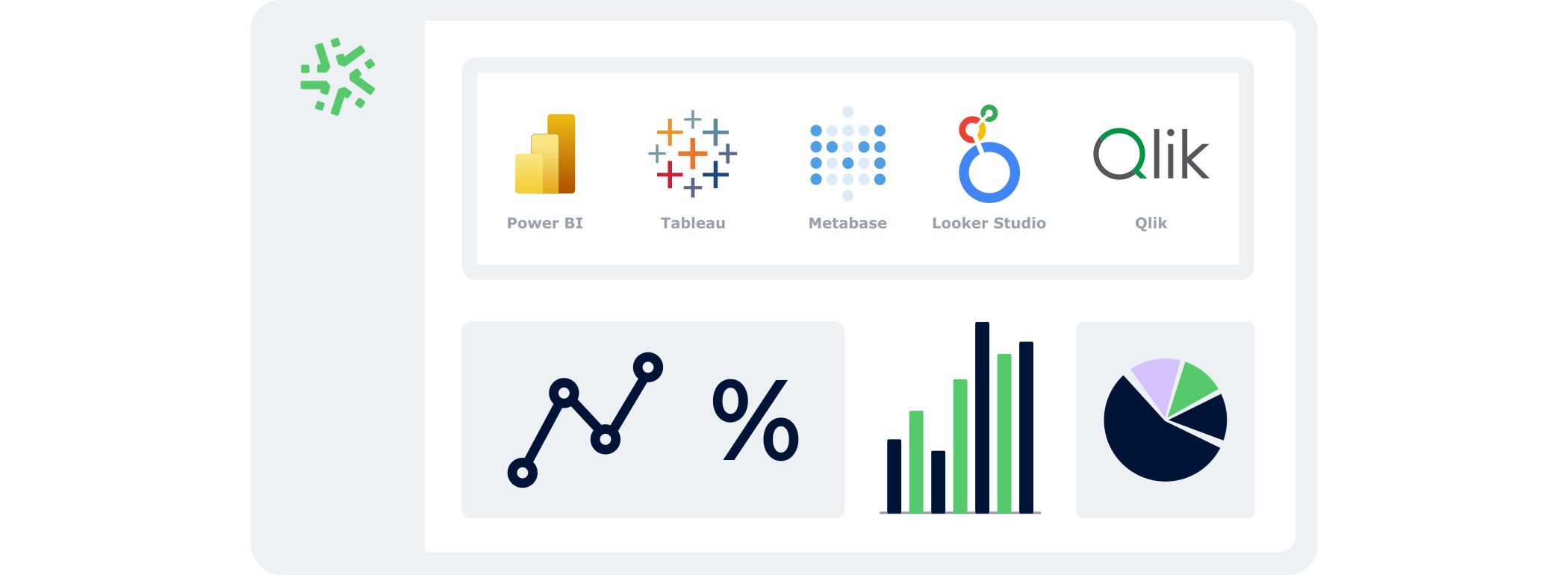
With the BI Connector, your field data automatically feeds your dashboards:
- Automatic: your KPIs update continuously, with no CSV files or manual handling.
- Accurate: you analyse reliable, structured data that is always aligned with field reality.
- Flexible: connect the BI tool of your choice and select only the data that matters.
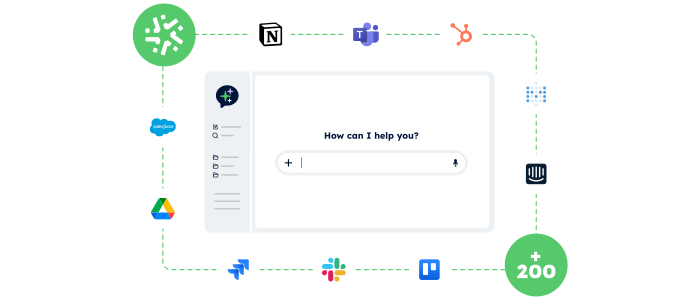
Control your data and actions through an AI Chat
With the AI Assistant, no more switching endlessly between tools: simply chat in an AI interface that accesses your data and performs actions for you.
- Centralised:
One chat to access your Kizeo Forms data and all your business tools. - Actionable:
The AI Assistant doesn’t just answer — it executes the actions you request (updates, creation, sending, exporting…). - Fast:
Fewer clicks, fewer steps, and tasks completed in just seconds.
Connect Kizeo Forms to Your Tools in One Click
Kizeo Forms integrates seamlessly with your existing software to streamline your processes:
- Multiple integrations: connect with Dropbox, DocuSign, Trackdéchets, Zapier, Make and many more!
- Time savings: automate your data flows, eliminate manual re-entries, and focus on what truly matters.
- Ease of use: link your tools in just a few clicks thanks to our REST API.
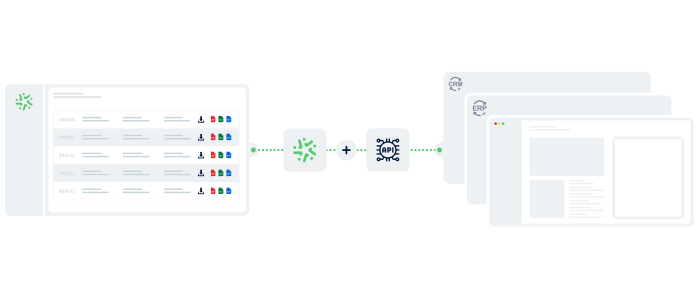
Your reports in a jiffy
Automatically transform every submitted form into a clear, complete report — with no re-entry or manual formatting required:
- Save time: one submitted form = one generated report in PDF, Word, or Excel.
- Advanced customisation: add your logo, headers, and layouts to match your visual identity.
- Make your data shine: generate precise, impactful reports and share them instantly with the right people.

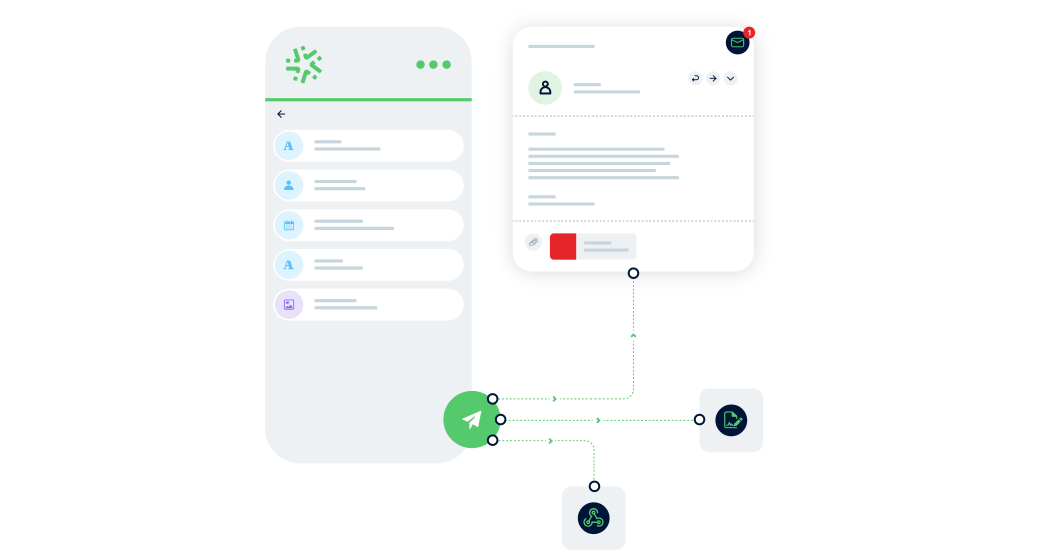
Generate forms in 15 seconds with AI
Designing a professional form has never been easier: describe your need and our AI instantly creates
a complete, ready-to-use form in 15 seconds :
-
Fast : your forms are generated in seconds.
-
Versatile : convert your PDFs into digital forms and translate them.
-
Flexible : customise every detail for a form 100% tailored to your business.
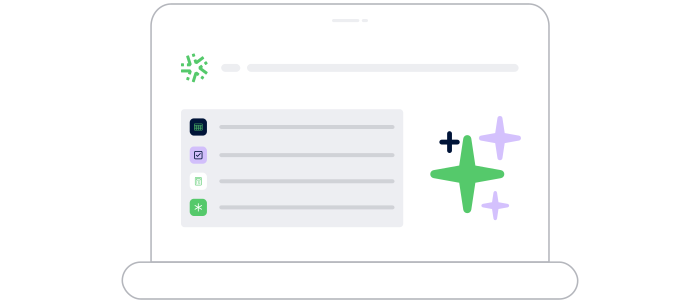
Speak. Take a photo. AI fills it in.
With AI-assisted data entry , simply speak or take a photo and your forms are completed automatically.
-
Fast : dramatically reduce the time spent entering data for each form.
-
Intelligent : AI understands accents, foreign languages, and reads your documents.
-
Reliable : accurate data, with no errors and no re-entry.
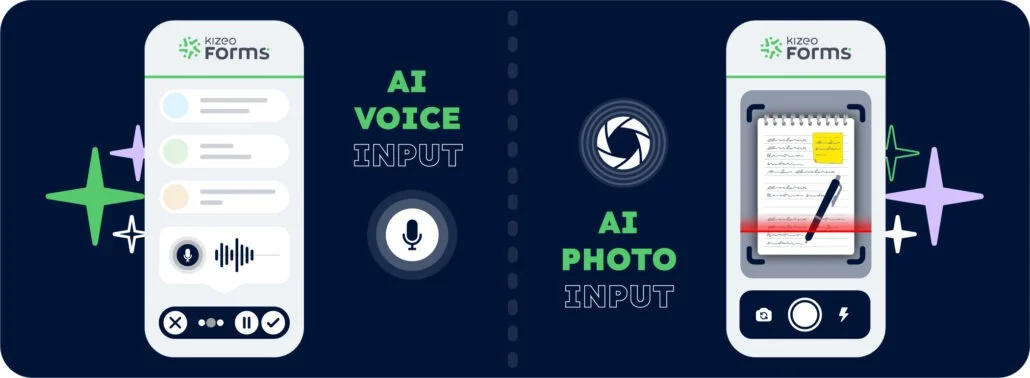
Create forms that adapt to your business
Transform your paper forms into 100% personalised digital versions:
-
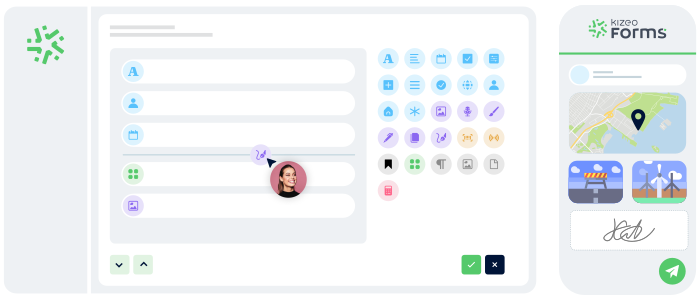
Add 25+ fields: photos, signatures, geolocation, tables, automated calculations, and more.
-
Customise every element: business rules, required fields, display conditions, and more.
-
Speed up your creation with AI and a library of 50+ ready-to-use templates.
Work anywhere, even without a network
Collect data offline, even in areas without internet:
- No interruptions : entry continues seamlessly, even without a connection.
- Protected data : everything is securely saved locally.
- Auto-sync : your information uploads automatically as soon as the device reconnects.