



Health and Safety Inspection Checklist
Walk every area of your workplace, from fire exits and housekeeping to COSHH storage and PPE, and record what complies, what needs action and who will fix it. Check on the ground that the controls in your risk assessment are really in place.
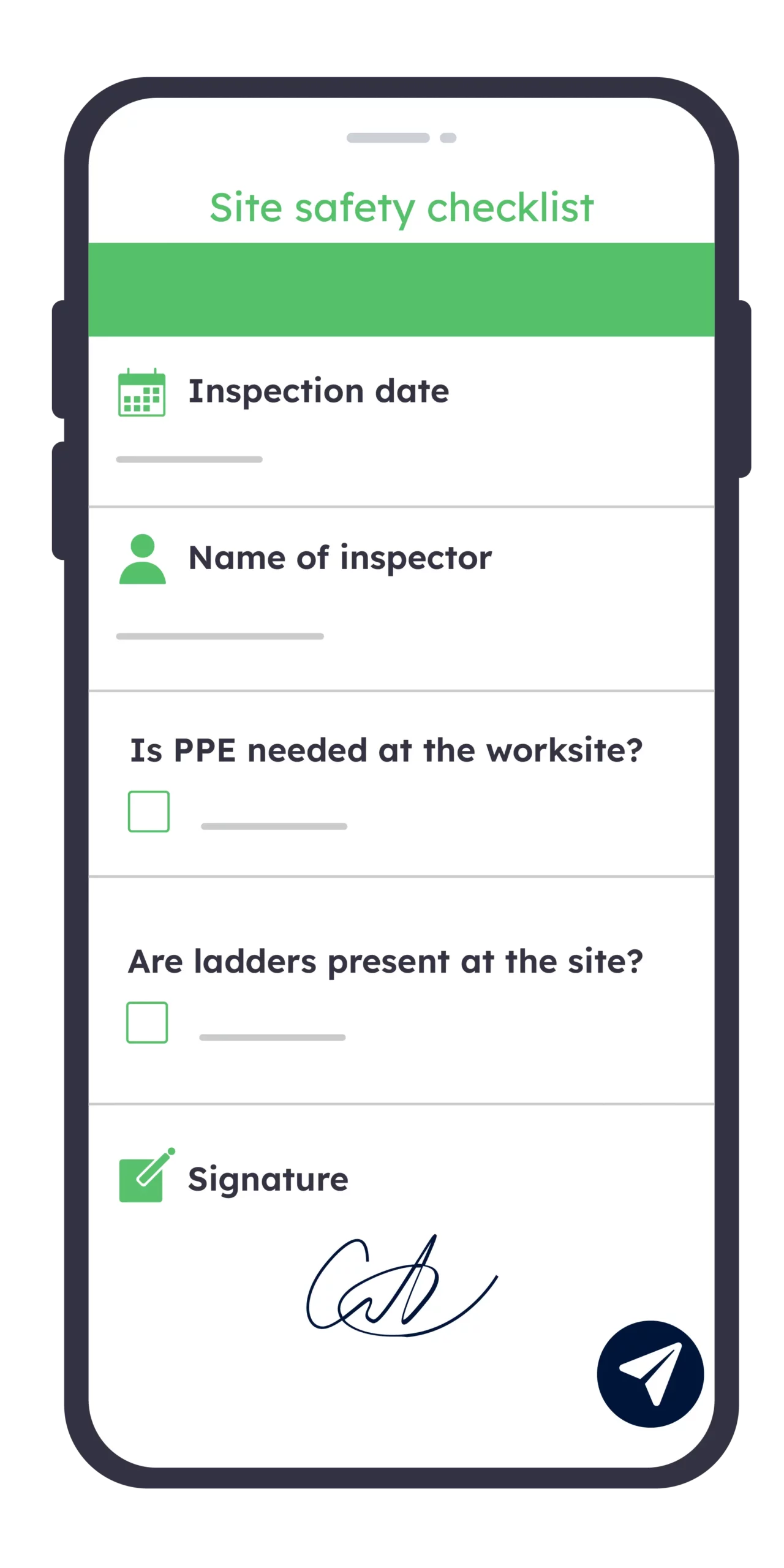
Try for free for a period of 2 weeks
Free trial
Advantages
From paper safety walk to scored inspection
A paper checklist records what you saw on the day. A digital health and safety inspection checklist shows whether each hazard was fixed, how every area scores and where your controls slip between inspections.
Without Kizeo Forms
- Hazards written up later from memory
- Non-conformances lost in a ring binder
- Actions chased by email, deadlines missed
- No score, areas impossible to compare
- Unsigned sheets, no proof of inspection
- Report typed up days after the walk
With Kizeo Forms
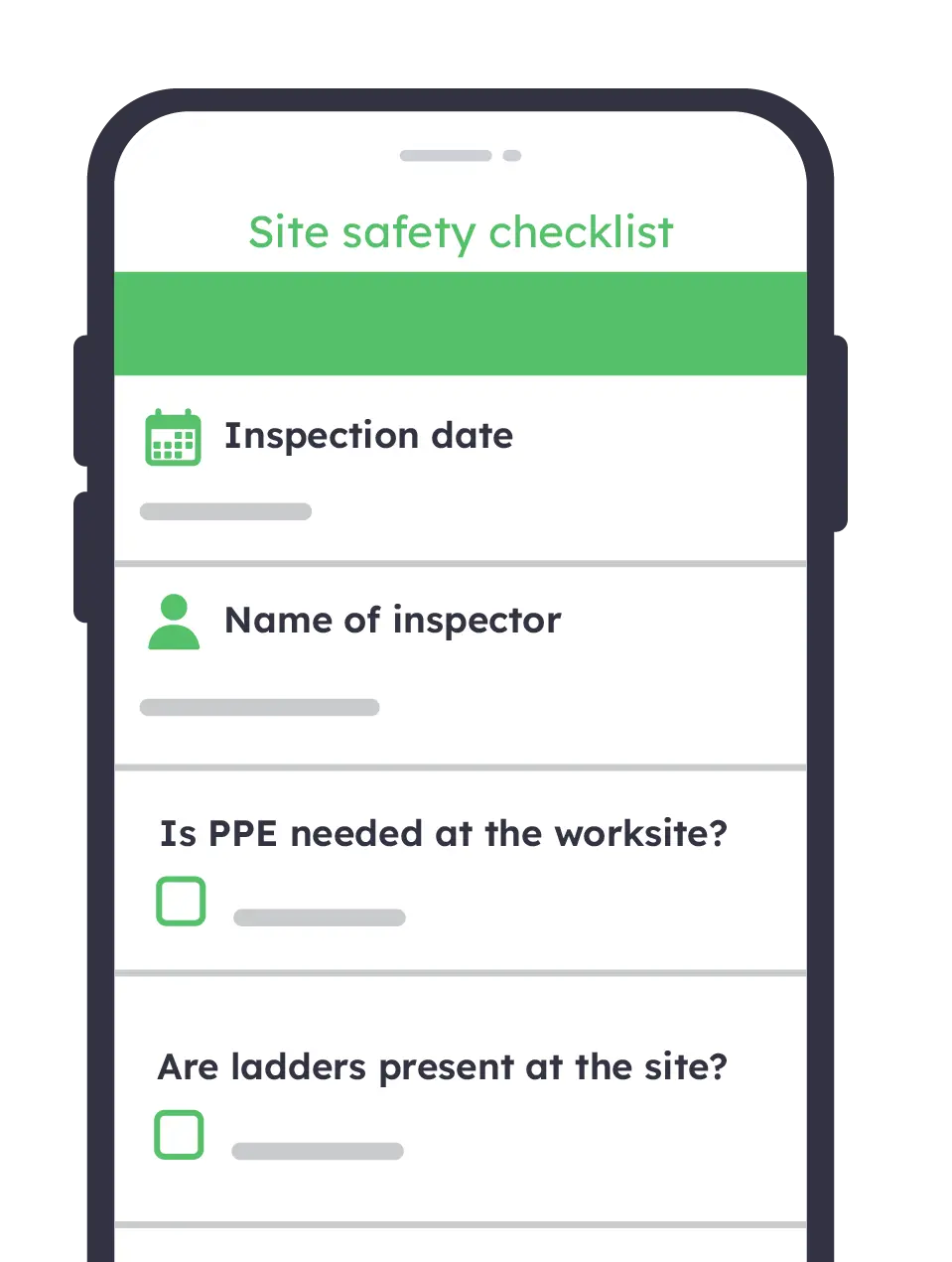
- Hazards photographed and logged on the spot
- Each non-conformance tied to a corrective action
- Owner and due date alerted automatically
- Each area scored, inspections compared over time
- Signed, dated and geolocated inspection reports
- Report shared with managers before you leave
Score every area consistently
Rate each check on the same scale, so 78% in March means the same as 78% in June. Each area’s score is calculated automatically, so you see straight away where housekeeping or fire safety is slipping.

Capture evidence on the spot
Photograph the blocked fire exit or the damaged cable, annotate it and attach it to the check it belongs to. Every non-conformance carries its own proof, ready for your health and safety committee.

Close corrective actions faster
Assign each action to a named person, with a priority and a due date, while you are still on the walk. They are notified at once with the photo, so nothing waits until the next inspection.

Adapt one checklist to every site
Use the same checklist for offices, workshops and construction sites, and show the CDM 2015 checks only when the inspection takes place on site. Conditional questions keep every safety walk short and relevant.

How does it work?
Build your inspection checklist with AI from your existing sheet
Import your current paper checklist, or our free PDF, or simply describe your premises: the AI form builder organises it into areas and checks in seconds. Then adjust the rating scale, mandatory fields and conditional questions, with no code.

Walk each area and rate every check
On a phone or tablet, mark each check as satisfactory, action required or N/A, then add photos and comments as you go. The inspection carries on offline in basements and plant rooms, and syncs as soon as you are back on the network.
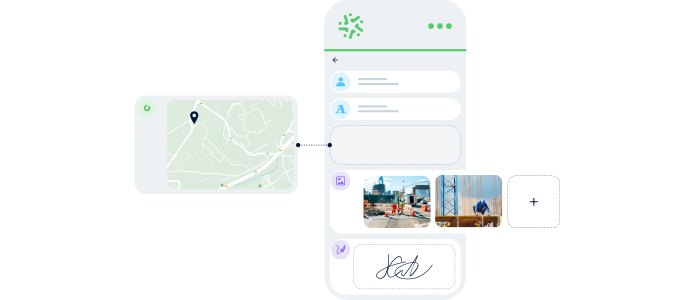
Trigger corrective actions automatically
Any check marked “action required” sends an email straight to the person in charge of the area, with the photo, the comment and the location attached. No hazard waits for the report to be typed up.
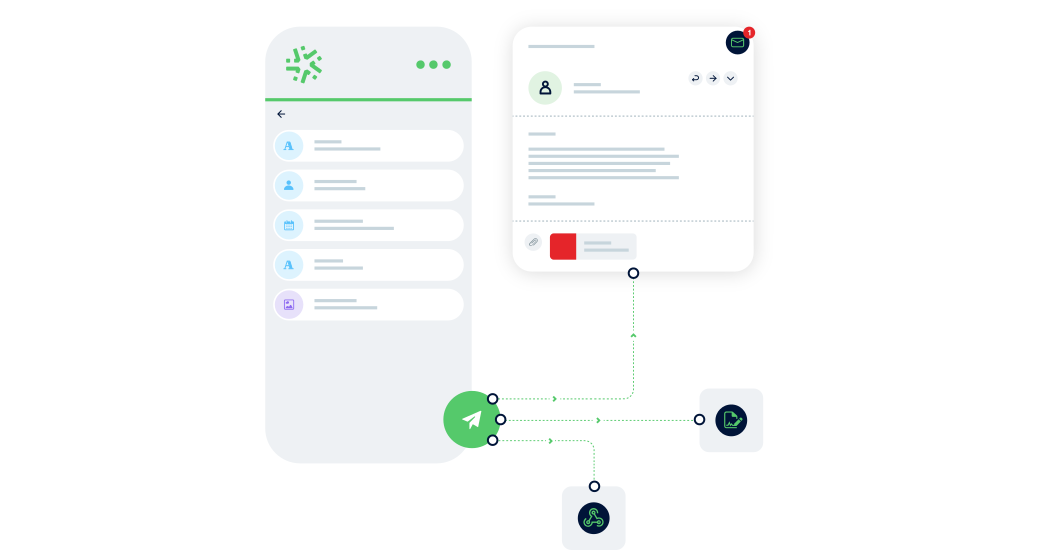
Share the signed report and compare scores
Sign off on site and the inspection report goes automatically to managers and your health and safety committee. Export the scores to Excel to follow each area from one safety walk to the next.

A solution for all departments
Tools designed to check and improve every area you inspect
Office, warehouse or construction site: the same health and safety inspection checklist adapts to each area you walk. Scores, photos and actions build one history, so improvements show from one inspection to the next.
25+ custom field types

Records the position of each inspection and hazard, so a non-conformance found in a large warehouse or across a sprawling site is easy to find.

Adds up the satisfactory checks in each area and turns them into a percentage, so every inspection gives a score to compare with the last.

Circle the frayed cable or the blocked fire exit directly on the photo, so whoever fixes it knows exactly where to look.
Many features

Describe what you see out loud while you walk, and the AI fills in the comment fields for you, hands free.

Turn every inspection into a branded report in Word, Excel or PDF, with your logo, photos and area scores laid out the way your health and safety committee expects.

Set your rules once: a high-priority hazard alerts the site manager, a low area score notifies your health and safety lead, and nobody has to forward anything.

Create your own health and safety inspection checklist
Import our free PDF or your own paper sheet, and let the AI turn it into a checklist your team can complete on site in minutes.
- Inspection details: site, area, date, inspector and type of inspection, with the location recorded automatically for every safety walk.
- Area-by-area checks: housekeeping, fire safety, first aid and welfare, work equipment, hazardous substances and PPE, and safe systems of work.
- Hazard evidence: a photo of each non-conformance, marked up to show exactly where the problem is.
- Inspection score: a percentage per area and overall, calculated as you go, so you can compare it with your last inspection.
- Corrective action plan and sign-off: an owner, a priority and a due date for every action, then the signatures of the inspector and the person in charge.
Testimonials

Balfour Beatty VINCI relies on Kizeo Forms for health and safety observations, enabling efficient information sharing with other departments to drive improvements and ensure best practices.

Lenka Vosvrdova
Site Construction Agent at Balfour Beatty VINCI

From manual tasks to digital efficiency: Kizeo Forms helps Equans save time, optimise processes, and make faster decisions.

Hicham Benbacer
Digital Solutions Director, Equans
Digitise more than just your safety inspections
View all our templatesIncident report

Equipment Maintenance and Improvement
Legal and Insurance Purposes
Quality Control
Safety and Health Compliance
Sectors
-
Manufacturing


Near miss report
Avoid slips and trips,property damages and other safety issues
Educate staff about potential hazards and the importance of following protocols.
Identify trends or areas of concern that need attention to prevent future incidents
Reduce risk by creating safety programs and ensuring corrective actions
Sectors
-
Safety

Risk assessment
Ensure a quantitative risk assessment and manage all levels of risk
Ensuring that activities comply with relevant laws and regulations
Identifying hazards and risks and putting in place control measures
Reduce and control risks by creating safety programs
Sectors
-
Agriculture
-
Construction
-
Healthcare
-
Manufacturing
-
Pest control
-
Real estate
-
Safety


FAQ – Everything you need to know about the Health and Safety Inspection Checklist
What is the difference between a safety inspection, a safety audit and a risk assessment?
The three work together but answer different questions:
- Risk assessment: identifies the hazards in your work and decides which controls you need, as required by the Management of Health and Safety at Work Regulations 1999.
- Safety inspection: checks, on the ground, that those controls are actually in place and working: fire exits clear, guards fitted, PPE worn.
- Safety audit: reviews your whole health and safety management system, including policies, training records and how well inspections themselves are carried out.
If something has already gone wrong, you need an accident and incident report instead.
What should a health and safety inspection checklist include?
A useful checklist covers six areas:
- Housekeeping, access and traffic routes
- Fire safety and emergency arrangements
- First aid, welfare and working environment
- Work equipment and electrical safety
- Hazardous substances (COSHH) and PPE
- Safe systems of work and documentation
For each check, record a status (satisfactory, action required or N/A), a comment and a photo where needed. End with a score, a corrective action plan and the signatures of the inspector and the person in charge.
How often should you carry out a workplace safety inspection?
No regulation sets one frequency for every workplace: it depends on the level of risk.
- Offices and low-risk areas: often every 6 to 12 months.
- Workshops, warehouses and kitchens: monthly or quarterly.
- Construction sites: weekly, with scaffolds and working platforms inspected at least every 7 days under the Work at Height Regulations 2005.
- Safety representatives appointed by a recognised trade union may inspect at least every three months under the Safety Representatives and Safety Committees Regulations 1977.
Inspect again after any change of layout, equipment or process, and after an accident.
Who should carry out a health and safety inspection?
Anyone competent to spot hazards in the area concerned: a health and safety manager, a site manager, a supervisor, or an external consultant. In practice, the best inspections combine:
- someone who knows the regulations and the risks,
- the person in charge of the area, who can agree corrective actions on the spot,
- a safety representative, where one has been appointed.
Using the same checklist every time keeps results comparable, whoever carries out the inspection.
Is a workplace safety inspection a legal requirement in the UK?
The law does not prescribe a specific inspection form, but it does require you to check your controls:
- The Health and Safety at Work etc. Act 1974 requires employers to ensure, so far as is reasonably practicable, the health, safety and welfare of their employees.
- Regulation 5 of the Management of Health and Safety at Work Regulations 1999 requires arrangements to plan, organise, control, monitor and review preventive measures.
Regular, recorded inspections are the simplest way to show the HSE that this monitoring actually happens.
What extra checks does a site safety inspection need on a construction site?
On a construction site, the Construction (Design and Management) Regulations 2015 add specific points to check:
- site boundaries, fencing and signage to keep the public out,
- site inductions and the construction phase plan,
- work at height: edge protection, scaffold inspection tags, ladders,
- excavations, plant and vehicle movements,
- welfare facilities required by Schedule 2 of CDM 2015.
With Kizeo Forms, these questions appear only when the inspection is marked as a construction site, so the same checklist serves offices and sites alike.
Can I download a free health and safety inspection checklist PDF?
Yes. Our free PDF covers the six inspection areas, a scoring grid, a corrective action plan and a sign-off section. You can print it and use it as it is.
When you are ready to stop retyping paper sheets, import the PDF into Kizeo Forms: the AI turns it into a mobile checklist with photos, scores and automatic alerts.
How long should you keep safety inspection records, and where are they stored?
No single retention period applies to inspection records. Many organisations keep them for at least three years, in line with RIDDOR record-keeping, and longer when an inspection relates to an accident or a claim.
With Kizeo Forms:
- every inspection is saved with its date, location, photos and signatures,
- past reports stay searchable by site, area or inspector,
- data is hosted in Europe.
Can the whole team use the same checklist across different sites?
Yes. You build the checklist once and share it with your inspectors:
- any change to the checklist reaches every phone and tablet at the next sync,
- each inspection is tagged by site, so you can compare scores from one site to another,
- access rights control who can fill in, edit or only view reports.
How much does Kizeo Forms cost for health and safety inspections?
Pricing is per user per month, for unlimited forms and inspections, not per checklist:
- Smart plan: from £15 per user per month (annual billing). Includes AI-generated forms, offline inspections, personalised reports and email alerts.
- Business plan: from £25 per user per month (annual billing). Adds AI voice input to dictate observations hands free, AI photo input and advanced reporting.
Try every feature free for 15 days, with no commitment and no credit card.